Big refunds are where money leaks. This guide shows how to make the app ask a second person before a large refund is paid, how that person approves or rejects it (with a reason the cashier can read), how to swap goods with Exchange items, and where to check the result.
Who it is forCashier, supervisor and ownerTime10 minutesProductPOSLevelIntermediate
Before you start
Steps
1
Look at the Returns page
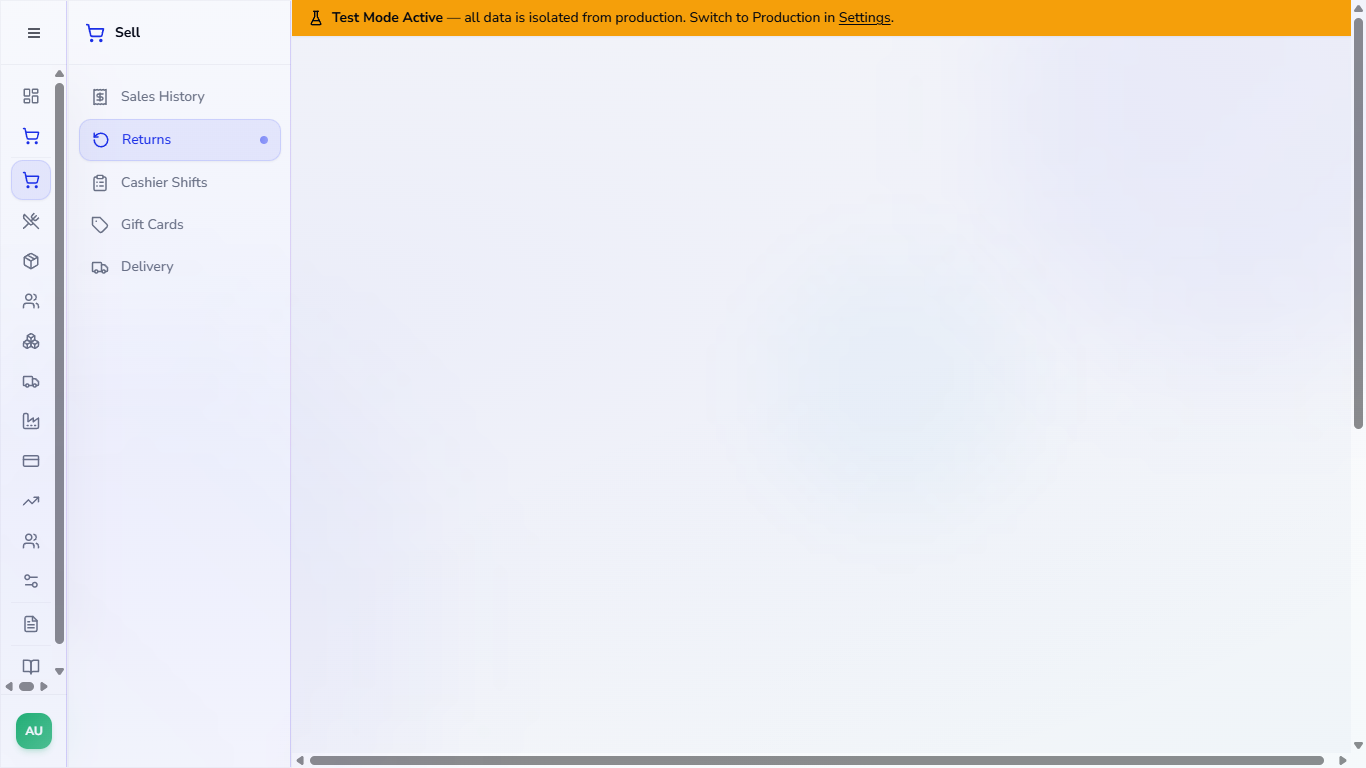
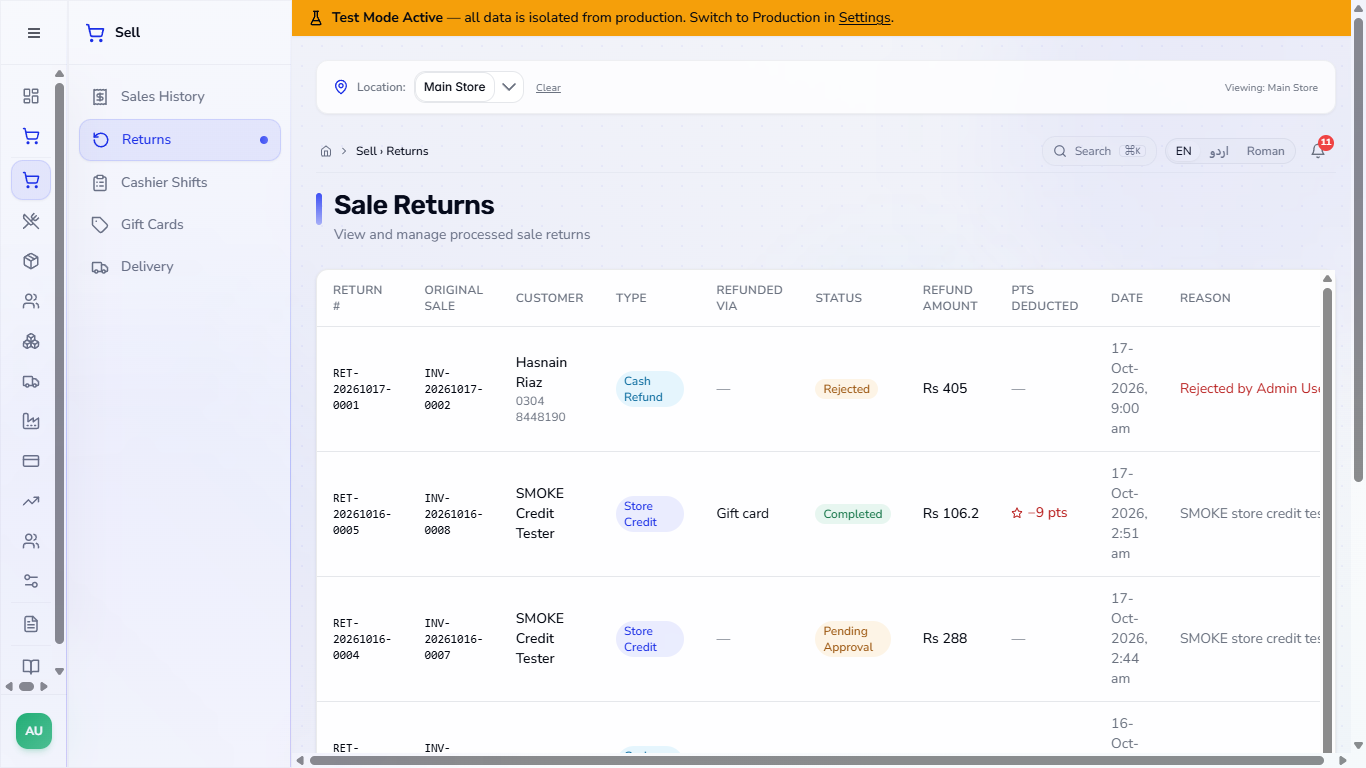
Open Sell › Returns. Sale Returns lists every return with RETURN #, ORIGINAL SALE, CUSTOMER, TYPE (Cash Refund, Store Credit or Exchange), REFUNDED VIA, STATUS, REFUND AMOUNT, PTS DEDUCTED (loyalty points taken back), DATE and REASON. Returns are not created here: you start them from Sales History.
Sale Returns page with the list of returns, their type, status and reason
2
Set the refund approval threshold
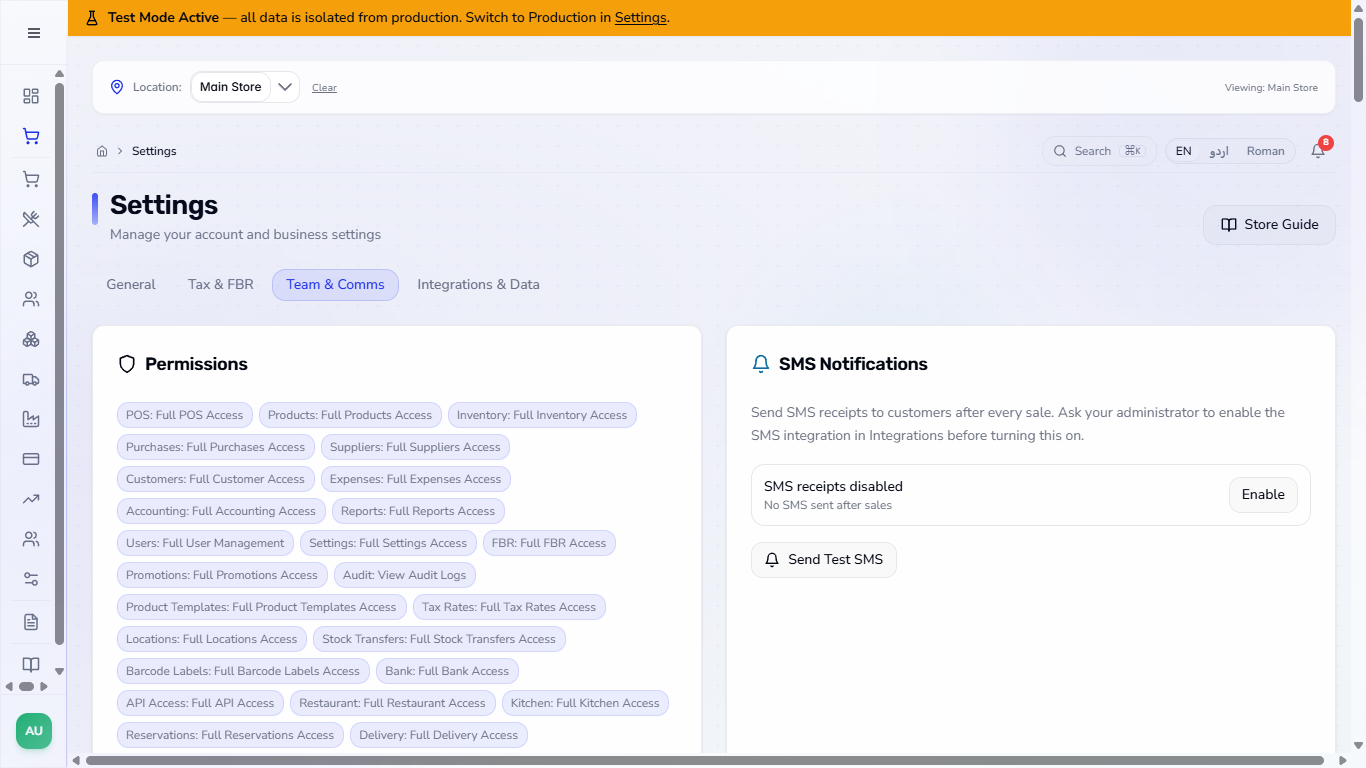
Open Settings › Team & Comms and find Refund approval threshold: refunds at or above this amount need a second approver. Type an amount, for example 50, and leave the box; the app says Approval threshold saved. 0 switches the rule off.
Settings, Team & Comms tab, Refund approval threshold card
3
Refund a large sale
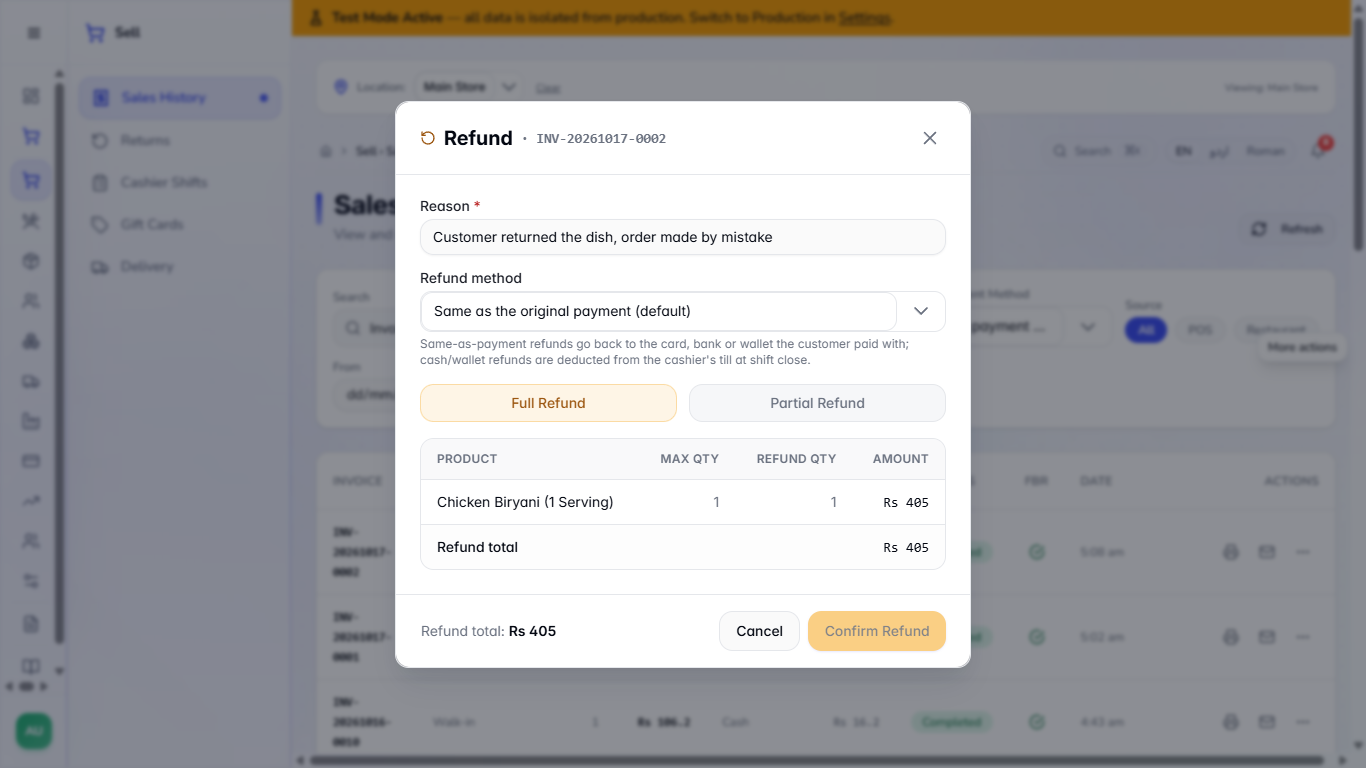
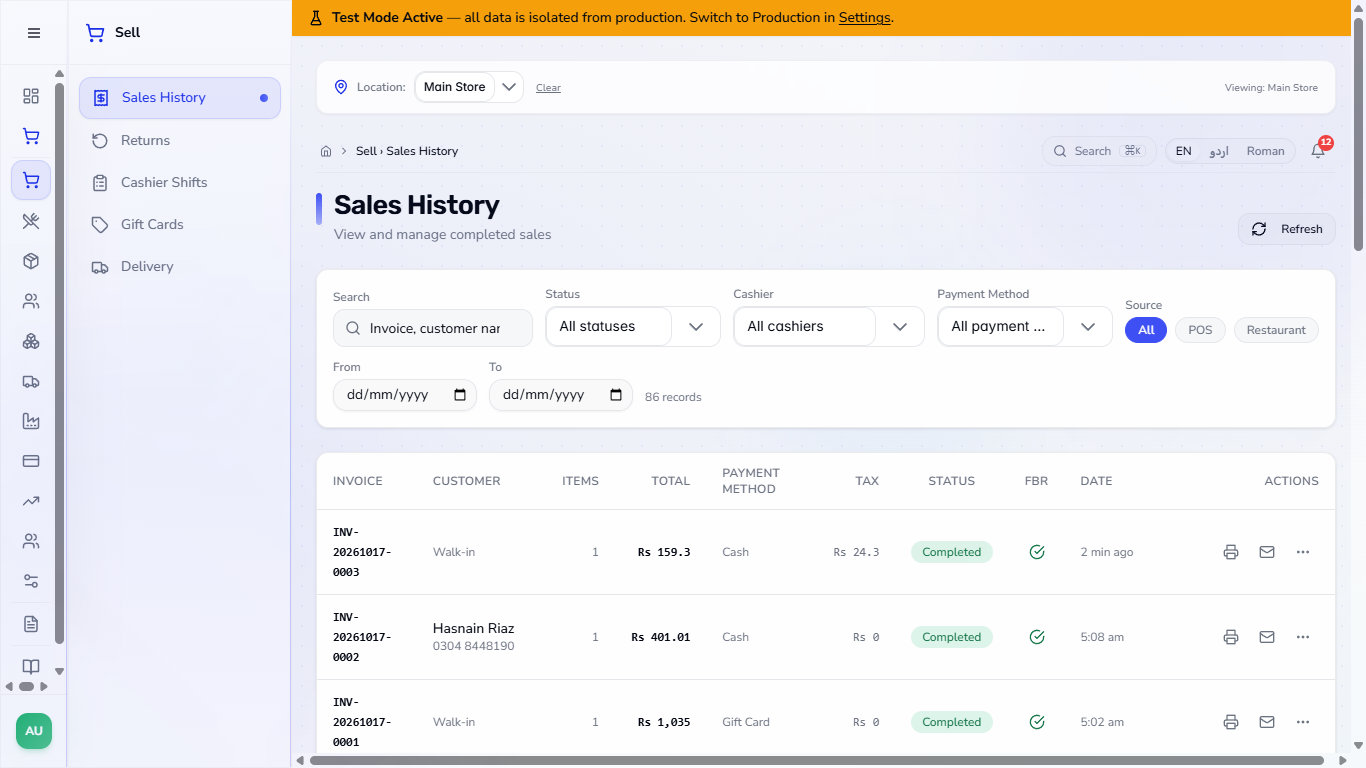
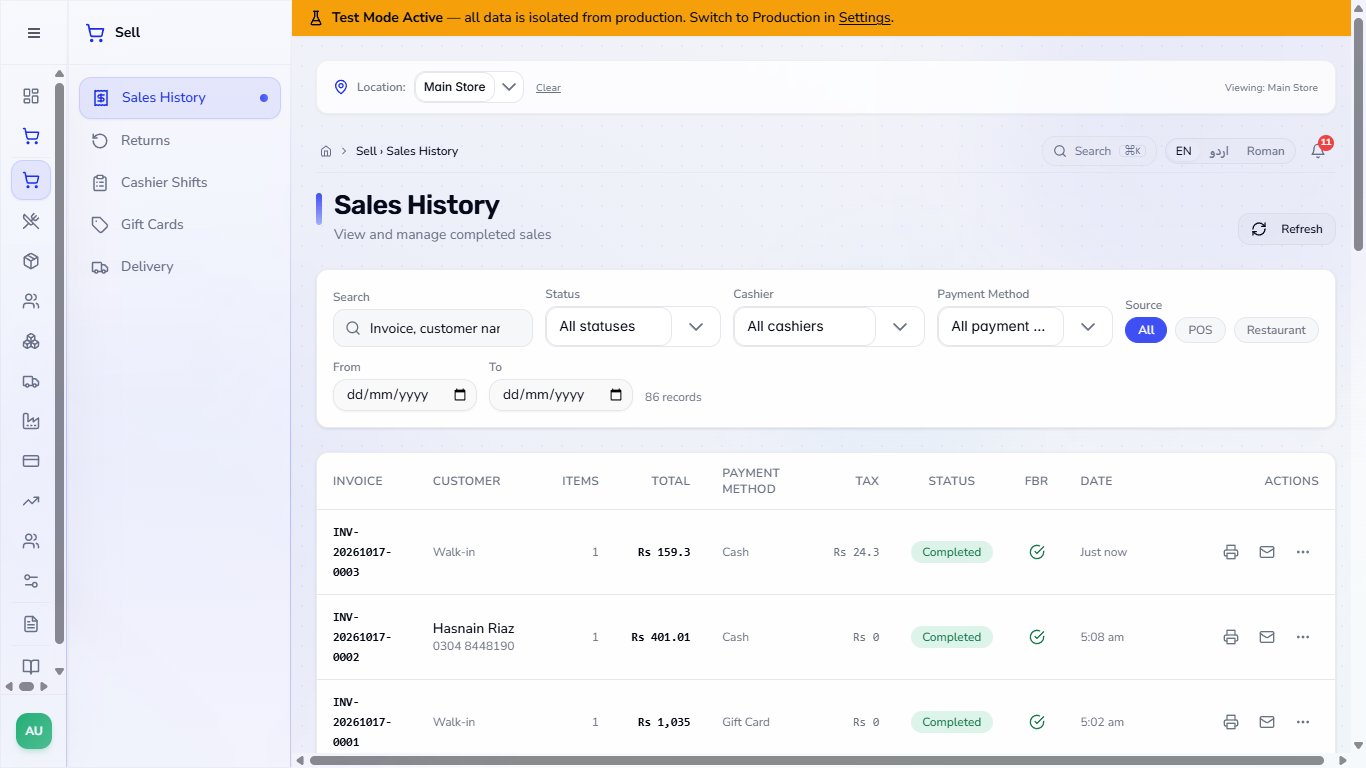
In Sell › Sales History press the three dots on the sale and choose Refund sale. Type the reason, keep Full Refund and press Confirm Refund.
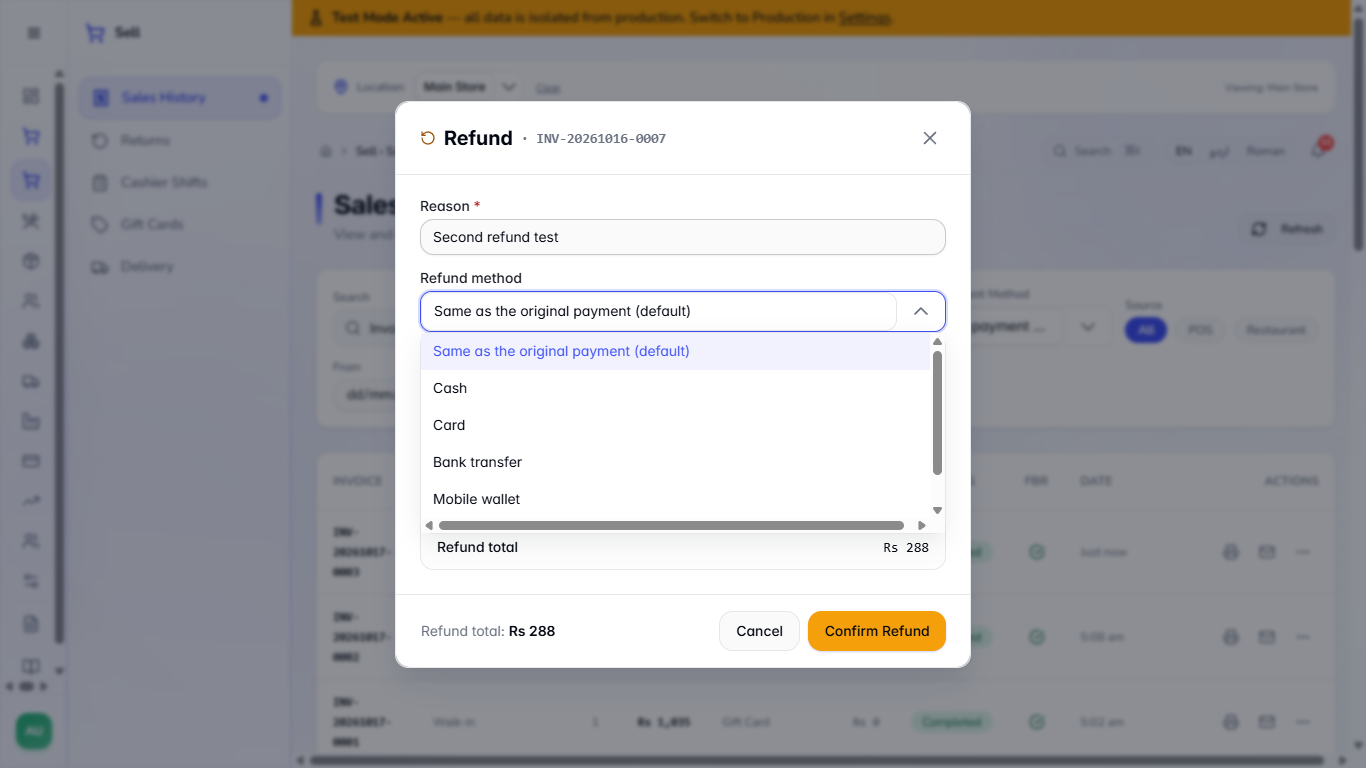
The Refund method list offers Same as the original payment, Cash, Card, Bank transfer, Mobile wallet and Store credit (gift card for the customer).
Refund dialog for INV-20261017-0002 with the reason and a refund total of Rs 405
Refund method list with Store credit
4
Read the message
Because the amount is above the threshold, the app says the refund is sent for approval and that nothing is refunded yet: the sale stays as it is until a second user approves it in Sell › Returns. No cash or stock has moved.
Toast saying the refund is sent for approval
5
Find the pending return
Open Sell › Returns. The new return shows Pending Approval with Approve and Reject buttons. If the same goods are already waiting, a second refund is refused with No items remaining to refund.
Returns list with a Pending Approval row and Approve and Reject buttons
6
A different person approves
If you press Approve on a return you created, the app refuses: A return must be approved by a different user than the one who created it. Ask a manager to sign in and open the same page.
When the other user presses Approve, the message Return approved and refunded appears and the row becomes Completed, paid back in Cash.
Message that a return must be approved by a different user
Return approved and refunded
7
Or reject it, with a reason
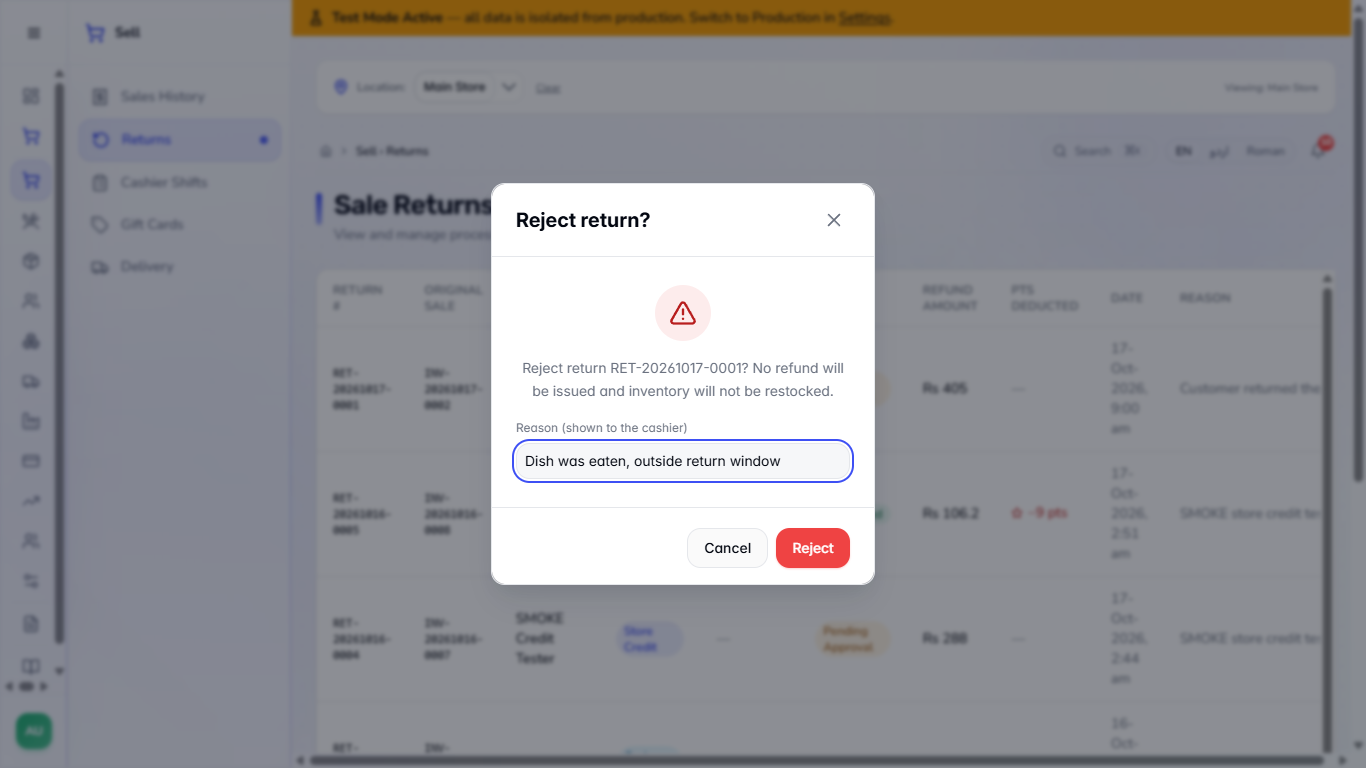
Press Reject to turn the refund down. The dialog says that no refund will be issued and the stock will not be restored, and asks for a Reason (shown to the cashier). Type it and press Reject again.
The message Return rejected appears and the row shows Rejected. The REASON column shows who decided and why, for example Rejected by Admin User: Dish was eaten, outside return window.
Reject return dialog with the reason box filled in
Return rejected, with the reason in the Reason column
8
Swap goods with Exchange items
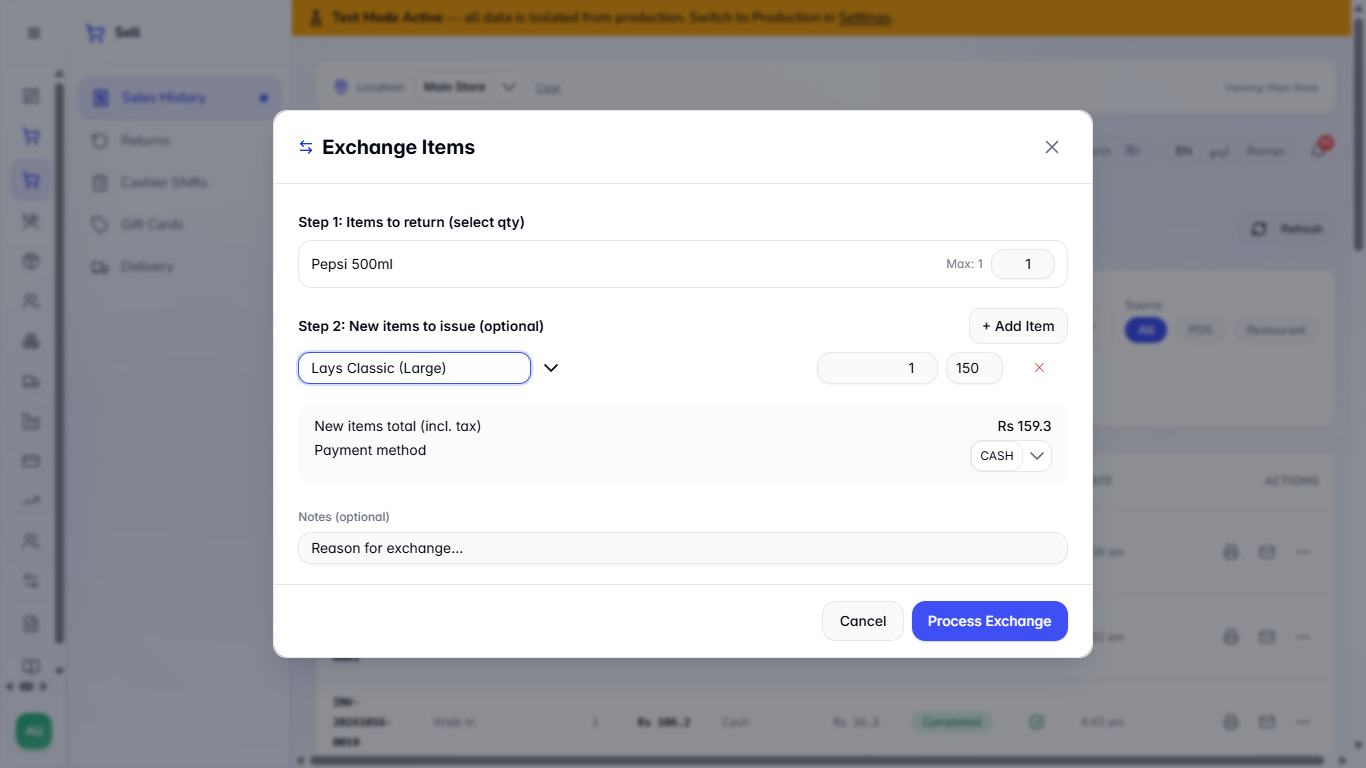
For a swap choose Exchange items from the sale's menu. Set how many of each item come back, press + Add Item and search the new product, check New items total (incl. tax), choose the payment method and press Process Exchange.
The app says Exchange complete and gives the new invoice number. The Returns page lists the swap with the type Exchange, next to cash refunds and store credit.
Exchange Items dialog with a new item added
Exchange completed
9
Check the books
Open Finance › Accounting › Journal Entries. An approved return or exchange posts an entry named Sale return RET-…: it reverses the revenue and the tax, puts the goods back in inventory and pays out the cash.
Journal Entries list with the sale return entries
Tips
Set the threshold to a sum that your cashiers should not decide alone.
A refund waiting for approval has not moved any cash or stock.
Always give a clear reason when you reject: the cashier reads it on the Returns page.
Frequently asked questions
Who can approve a return? Any other user who has the right to refund sales. The user who created it cannot.
Does a small refund wait too? No. Only refunds at or above the threshold wait; smaller ones are paid at once.
Can I give store credit instead of cash? Yes. Choose Store credit (gift card for the customer) in the Refund method list of the Refund dialog.