Open Client choices
Open Delivery › Projects & sites › Projects, open the project, then Changes › Client choices. A new project says No selection categories yet.
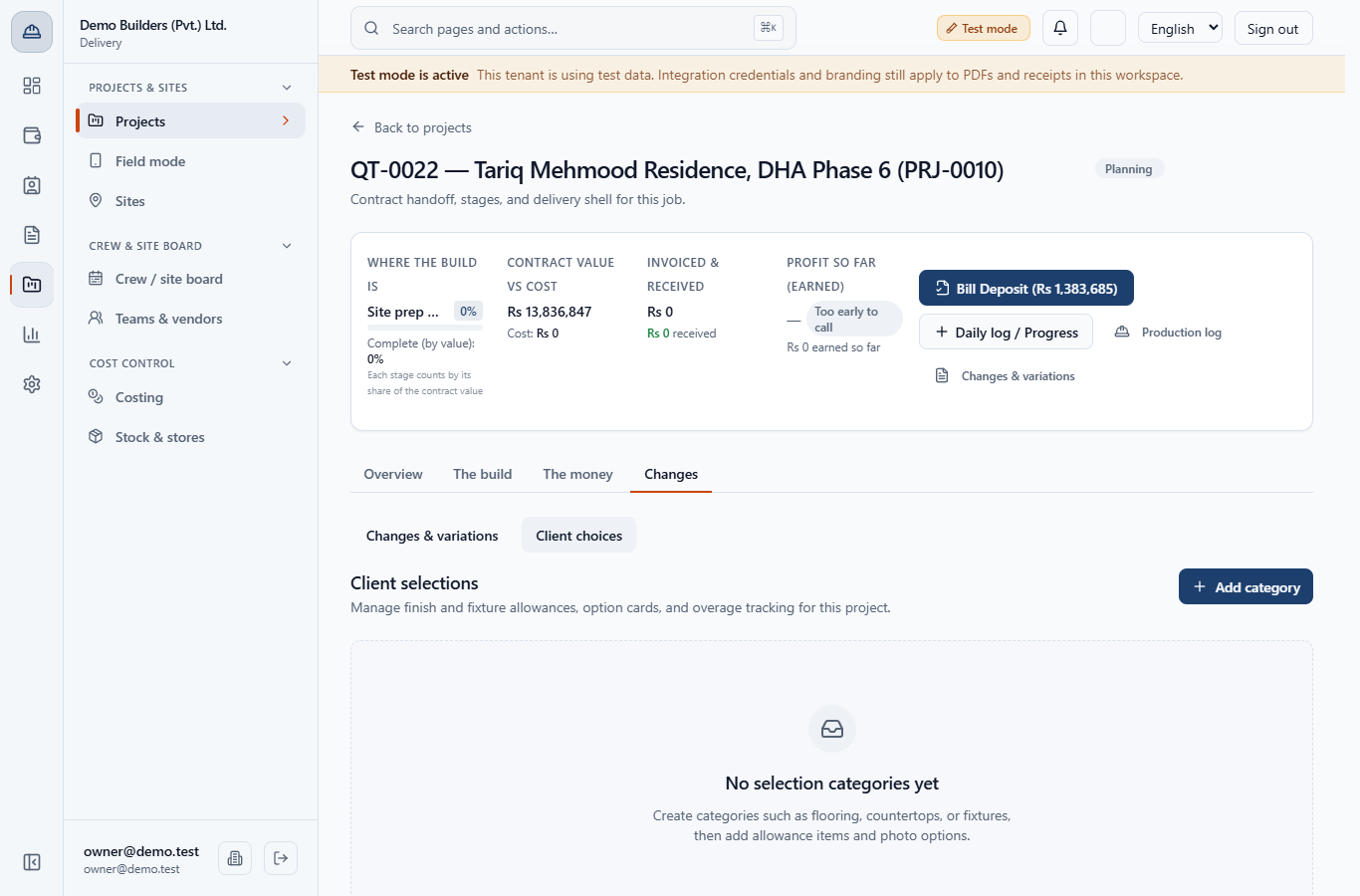
You will list finish items with an allowance, add priced options, record the customer's pick and turn the extra cost into a draft change order before any upgrade is ordered.
Open Delivery › Projects & sites › Projects, open the project, then Changes › Client choices. A new project says No selection categories yet.
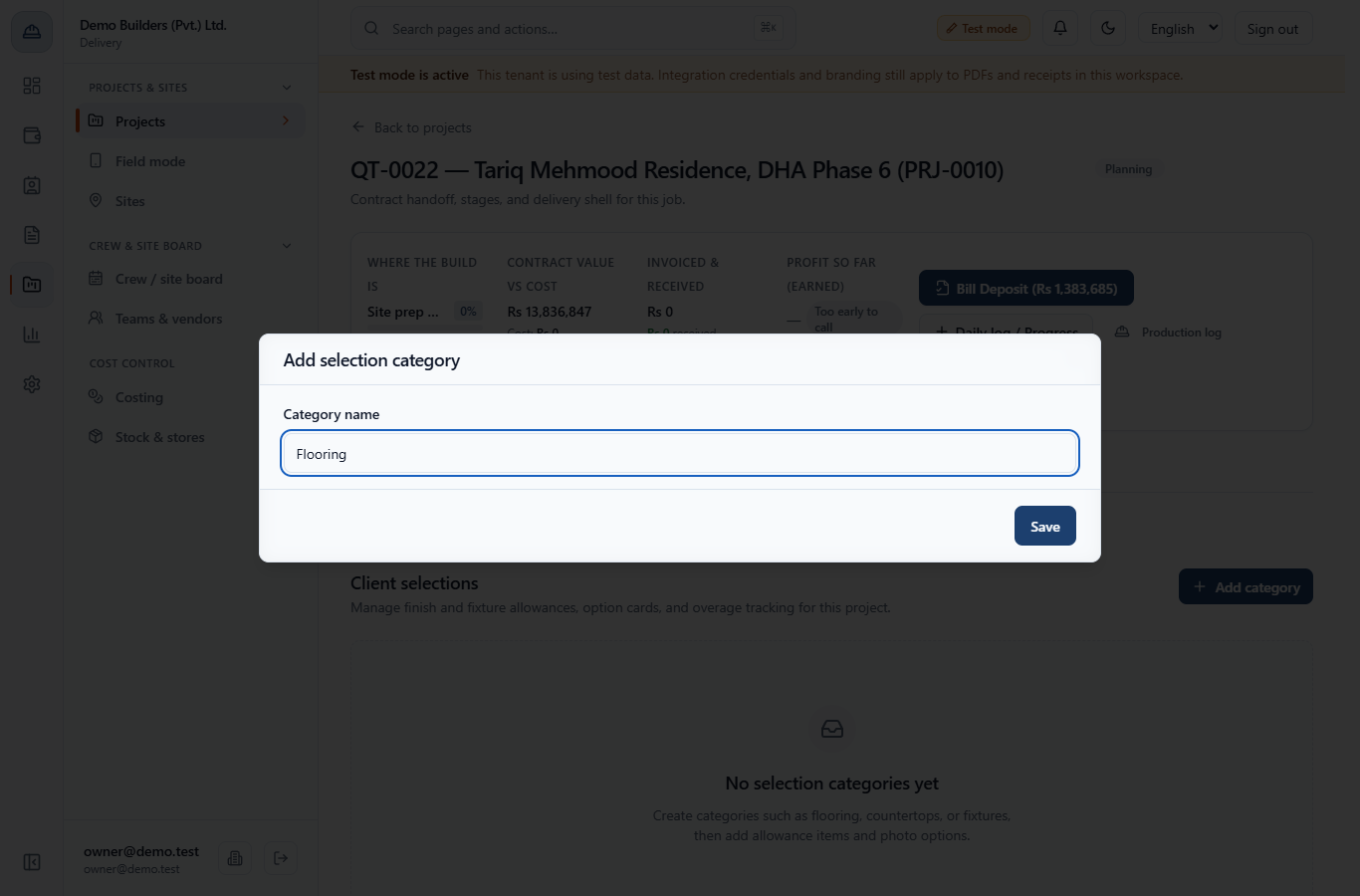
Click Add category, type the Category name (for example Flooring) and click Save. Add Gates and external works the same way.
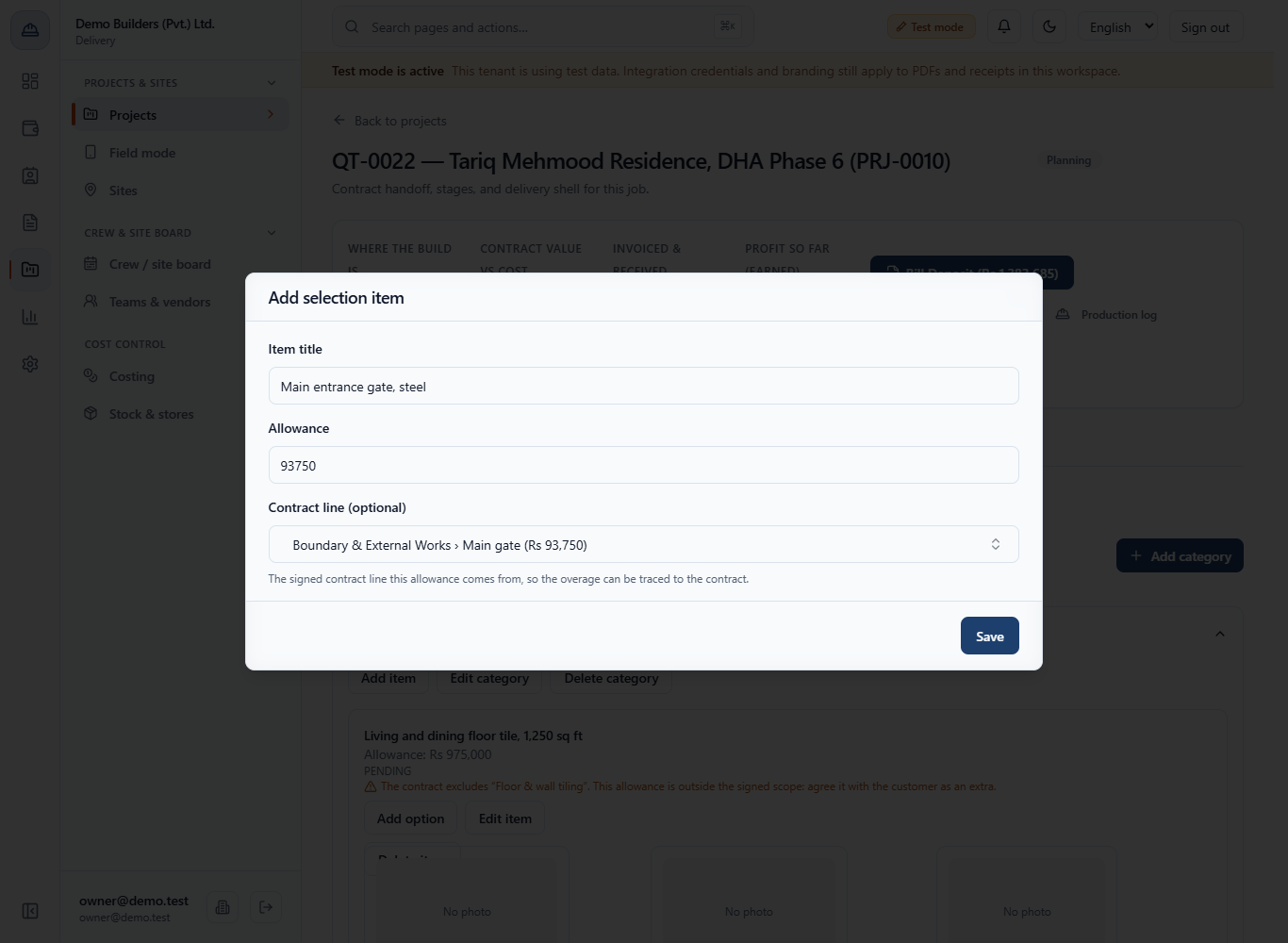
Open the category and click Add item. Type the Item title (Main entrance gate, steel) and the Allowance (93750). In Contract line (optional) search and pick Boundary & External Works › Main gate (Rs 93,750), then Save. The default is Not linked to a contract line.
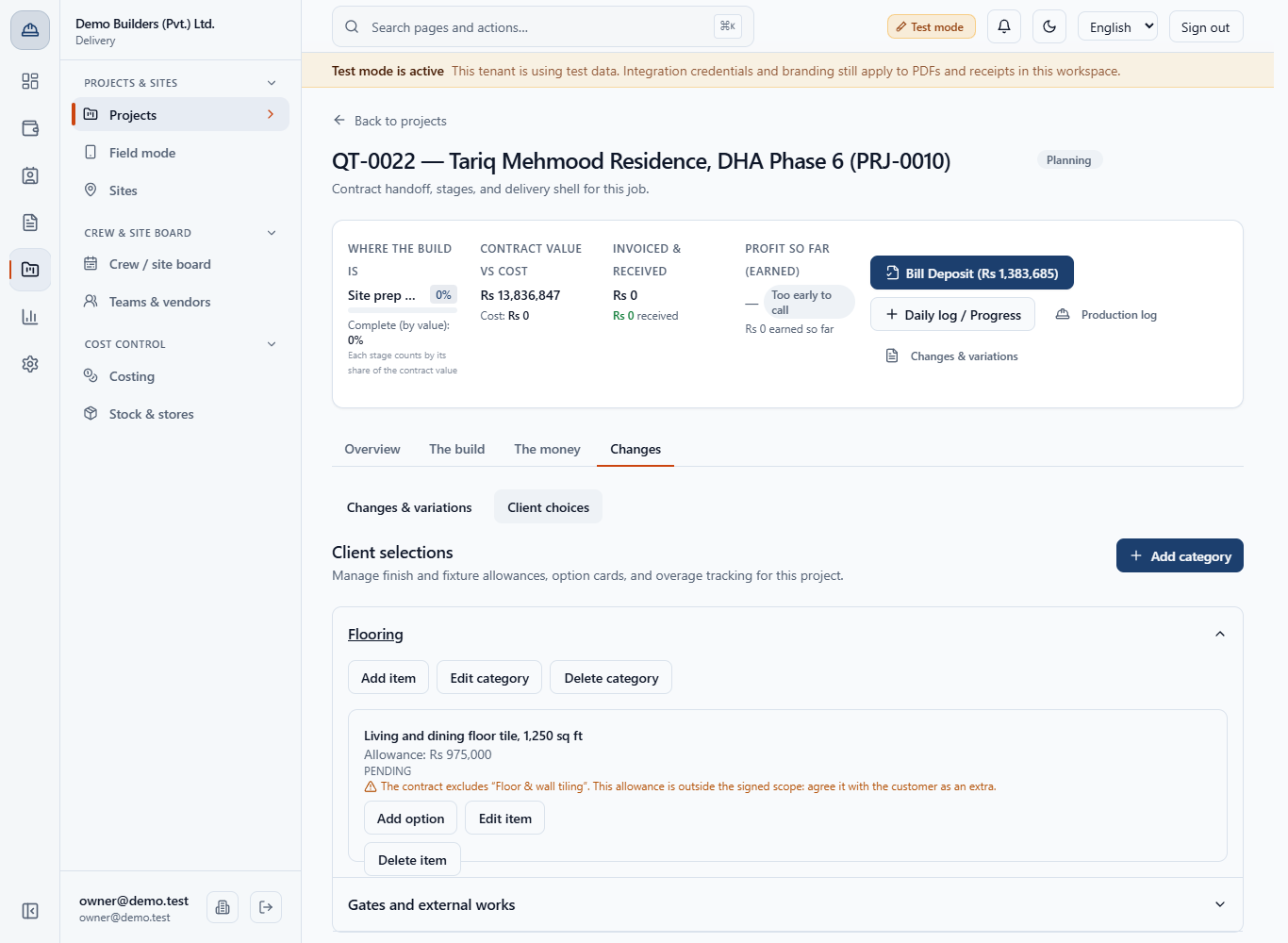
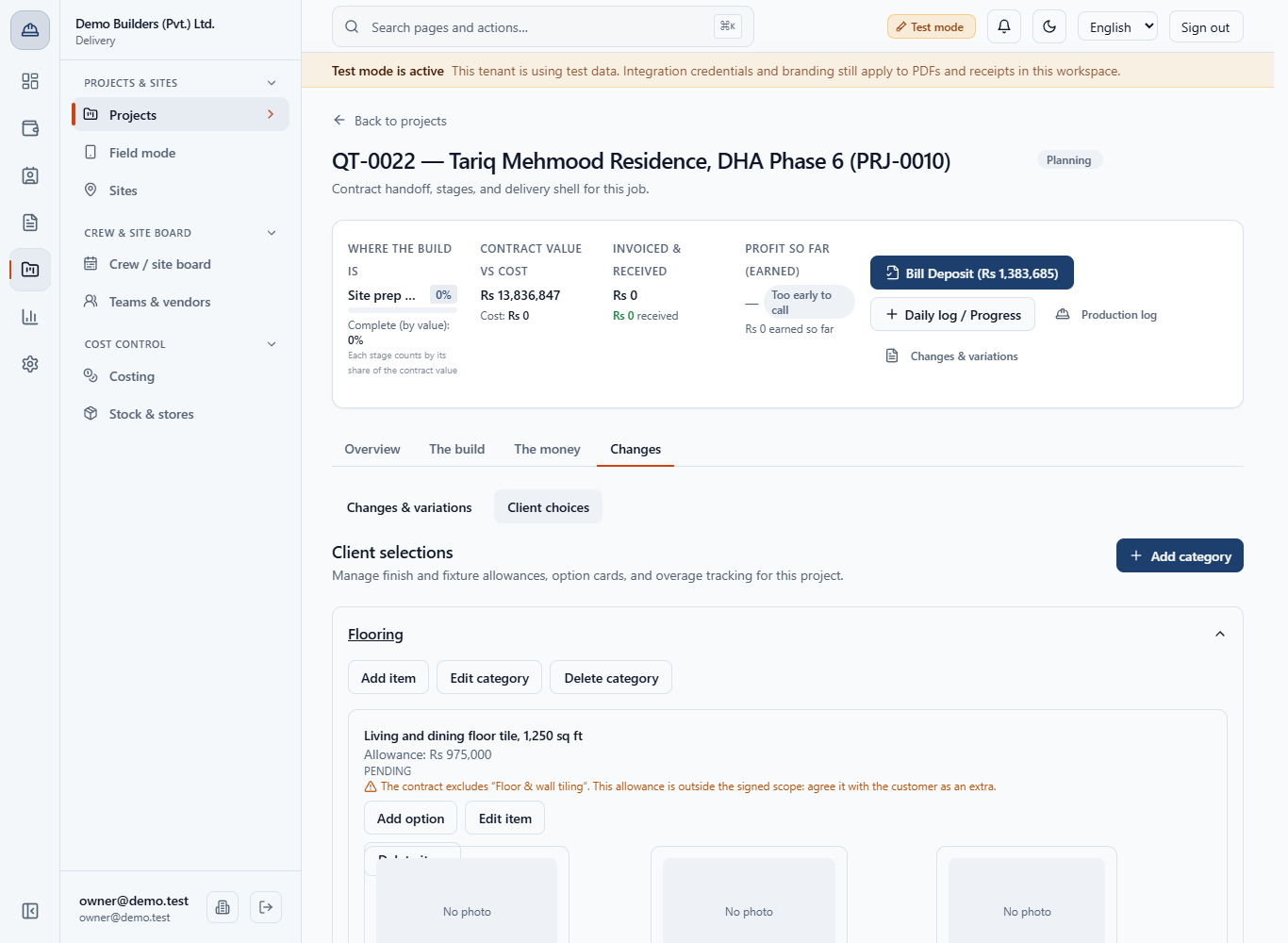
Add the floor tile item (Living and dining floor tile, 1,250 sq ft, allowance 975000) with no contract line. An amber warning appears under it: The contract excludes “Floor & wall tiling”. This allowance is outside the signed scope: agree it with the customer as an extra.
On the item click Add option. Fill Option title and Unit price; Photo URL is optional and cards without one show No photo. Enter the option's total price for the item, not a rate per square foot, because it is compared with the allowance as typed. Add Porcelain Rs 975,000, Marble-look Rs 1,087,500 and Natural travertine Rs 1,312,500.
Click the option the customer chose. The item shows SELECTED and the line Allowance: Rs 975,000 · Overage: Rs 112,500.
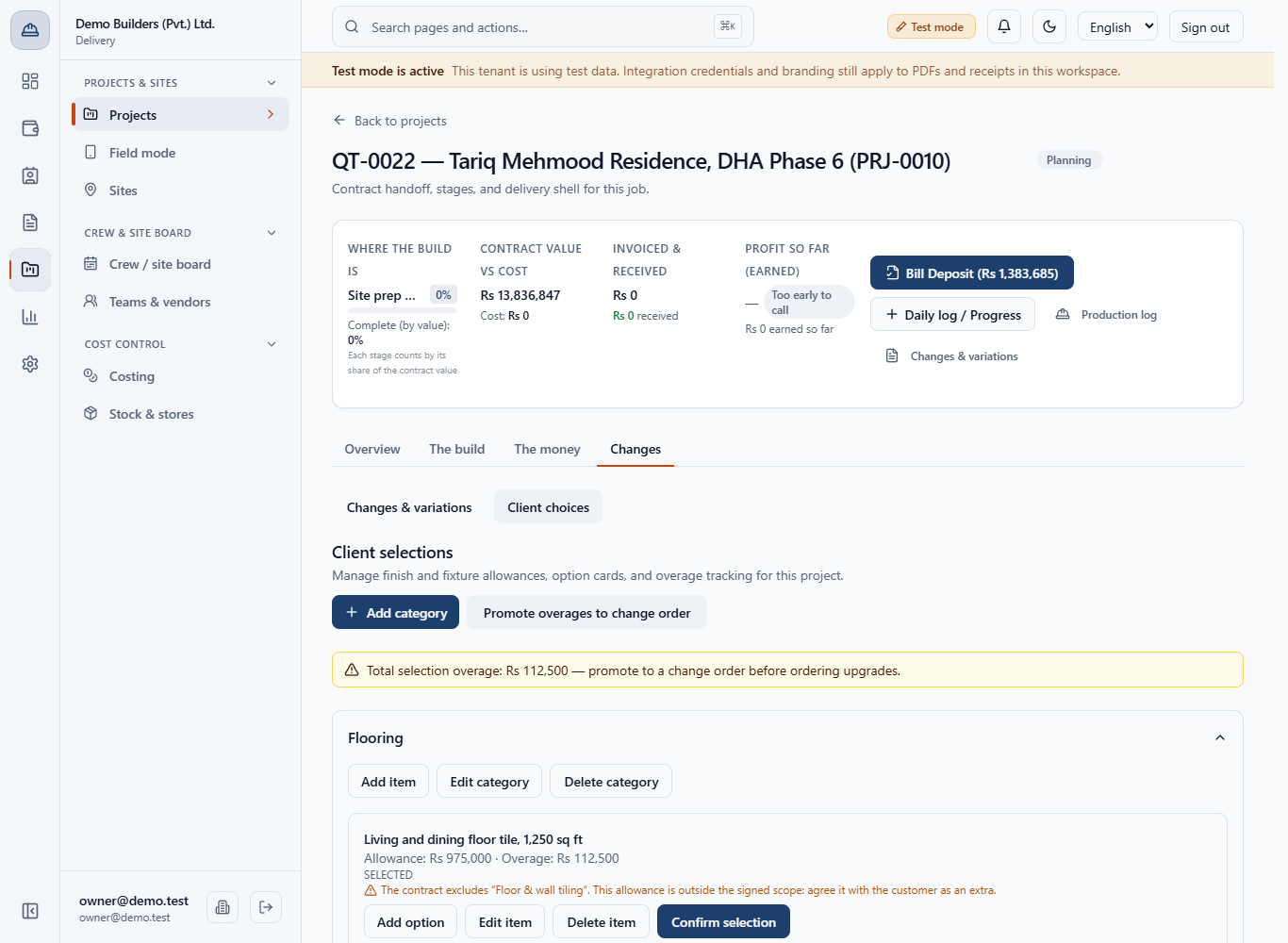
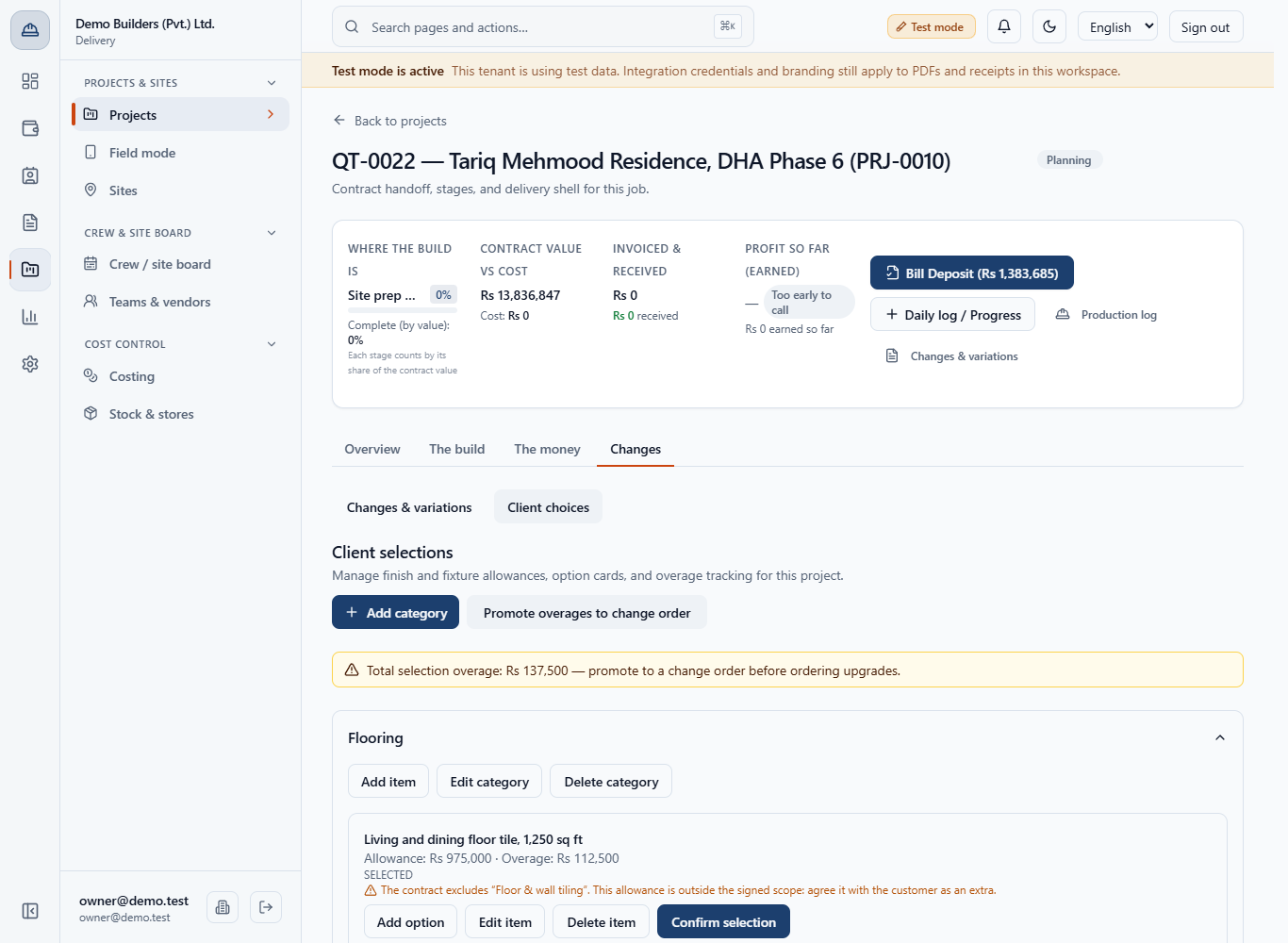
Pick the decorative gate too (overage Rs 25,000). The amber strip reads Total selection overage: Rs 137,500, with the Promote overages to change order button above it.
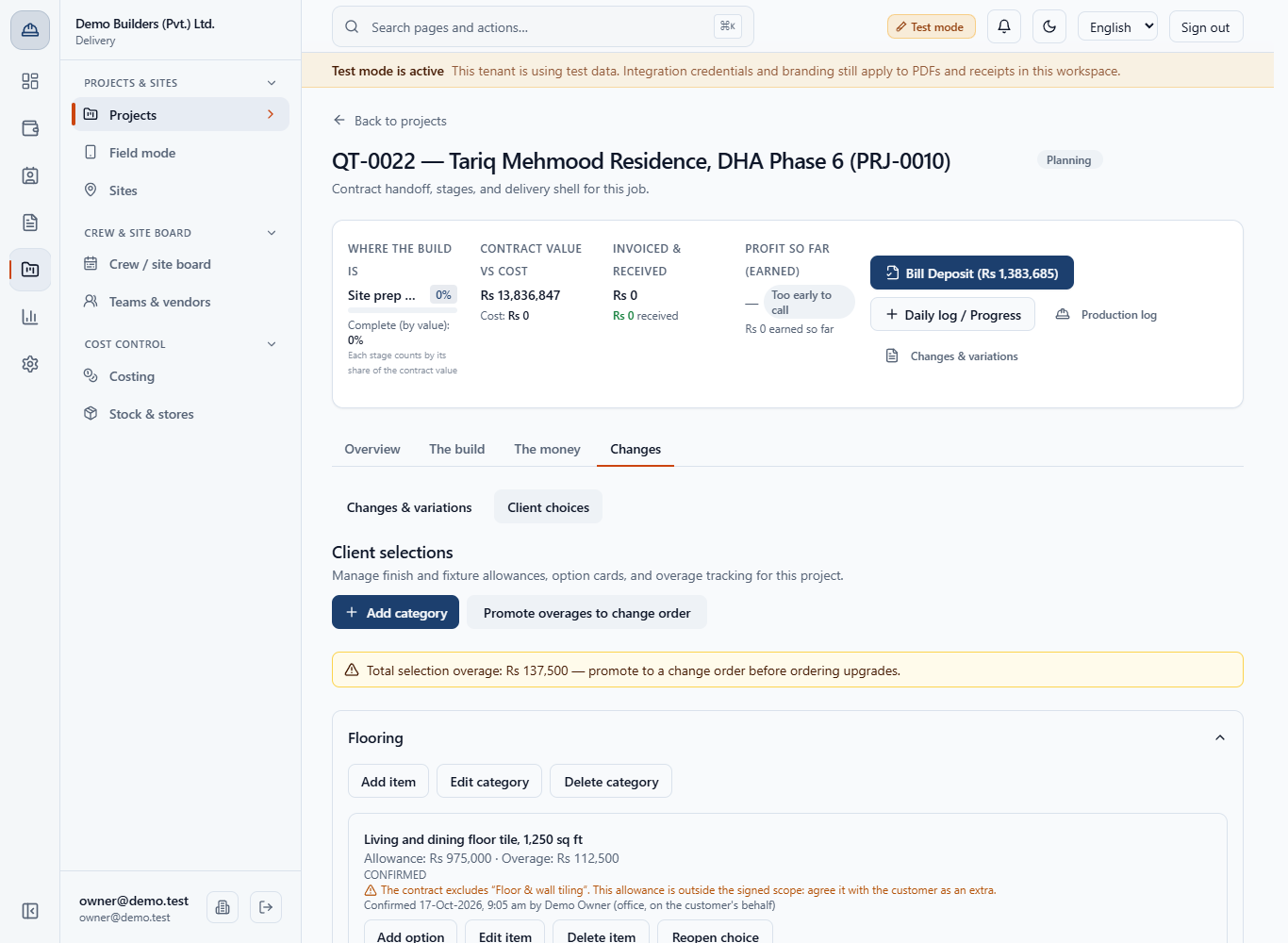
Click Confirm selection on each item. The status becomes CONFIRMED and the page records who and when, for example Confirmed 17-Oct-2026, 9:05 am by Demo Owner (office, on the customer's behalf).
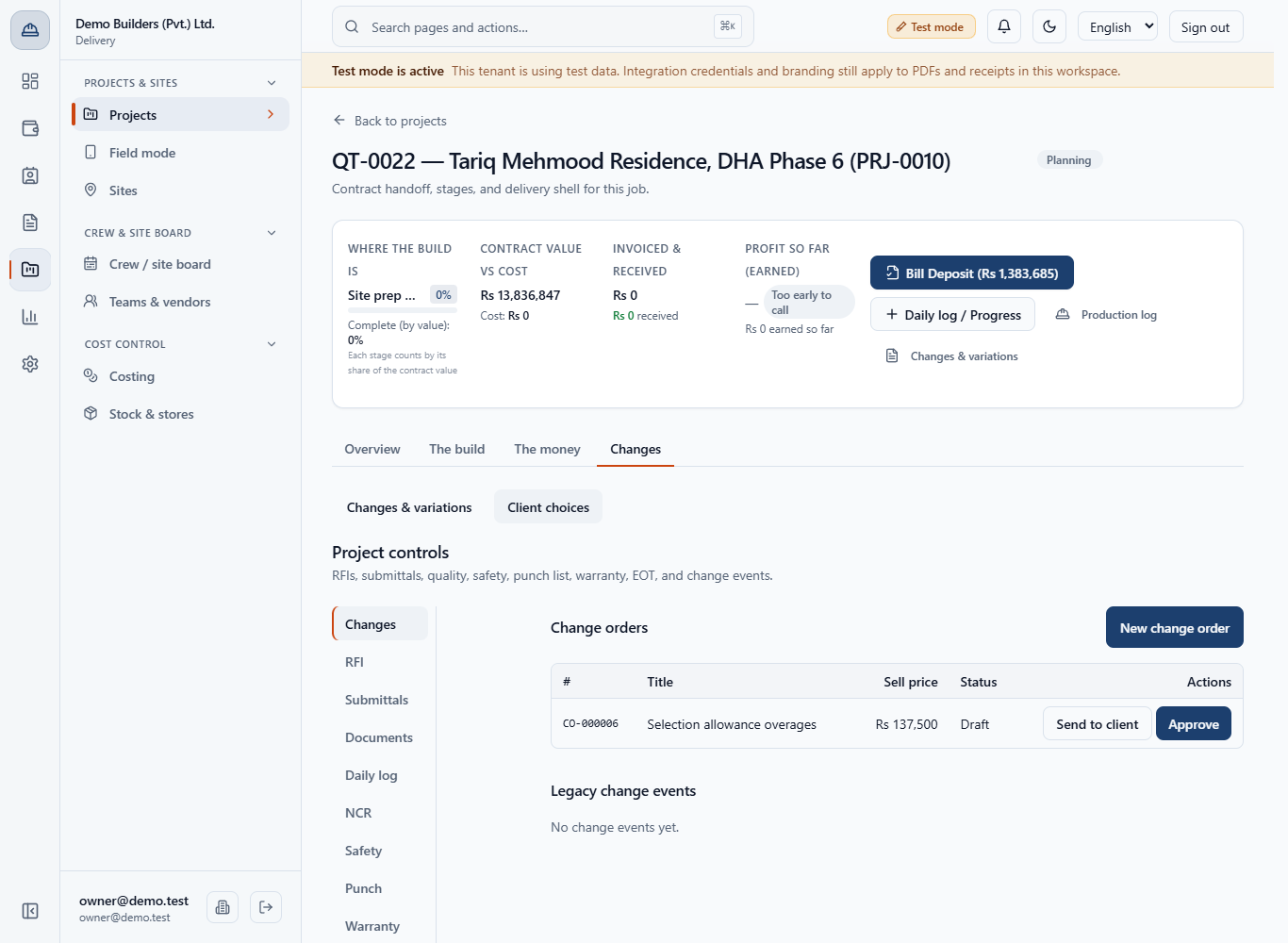
Click Promote overages to change order. The app opens Changes › Change orders with a new draft, Selection allowance overages, CO-000006, Rs 137,500, status Draft.
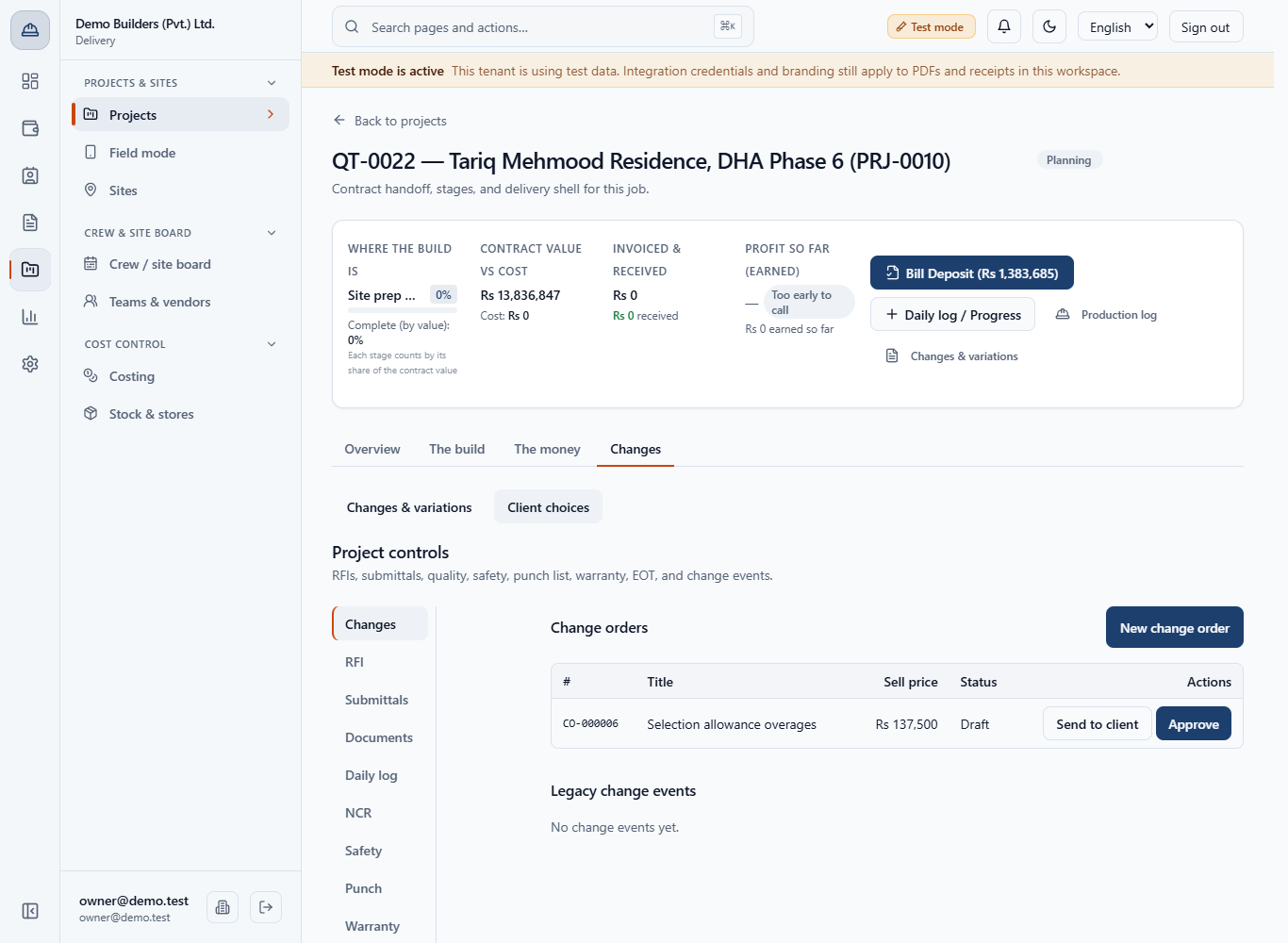
The draft has one line per item (Rs 112,500 and Rs 25,000), no markup, so cost and sell price are both Rs 137,500. Nothing is sent or billed yet.
The contract value in the header stays Rs 13,836,847 until the change order is approved. Sending and approving it are covered in the change order tutorial.
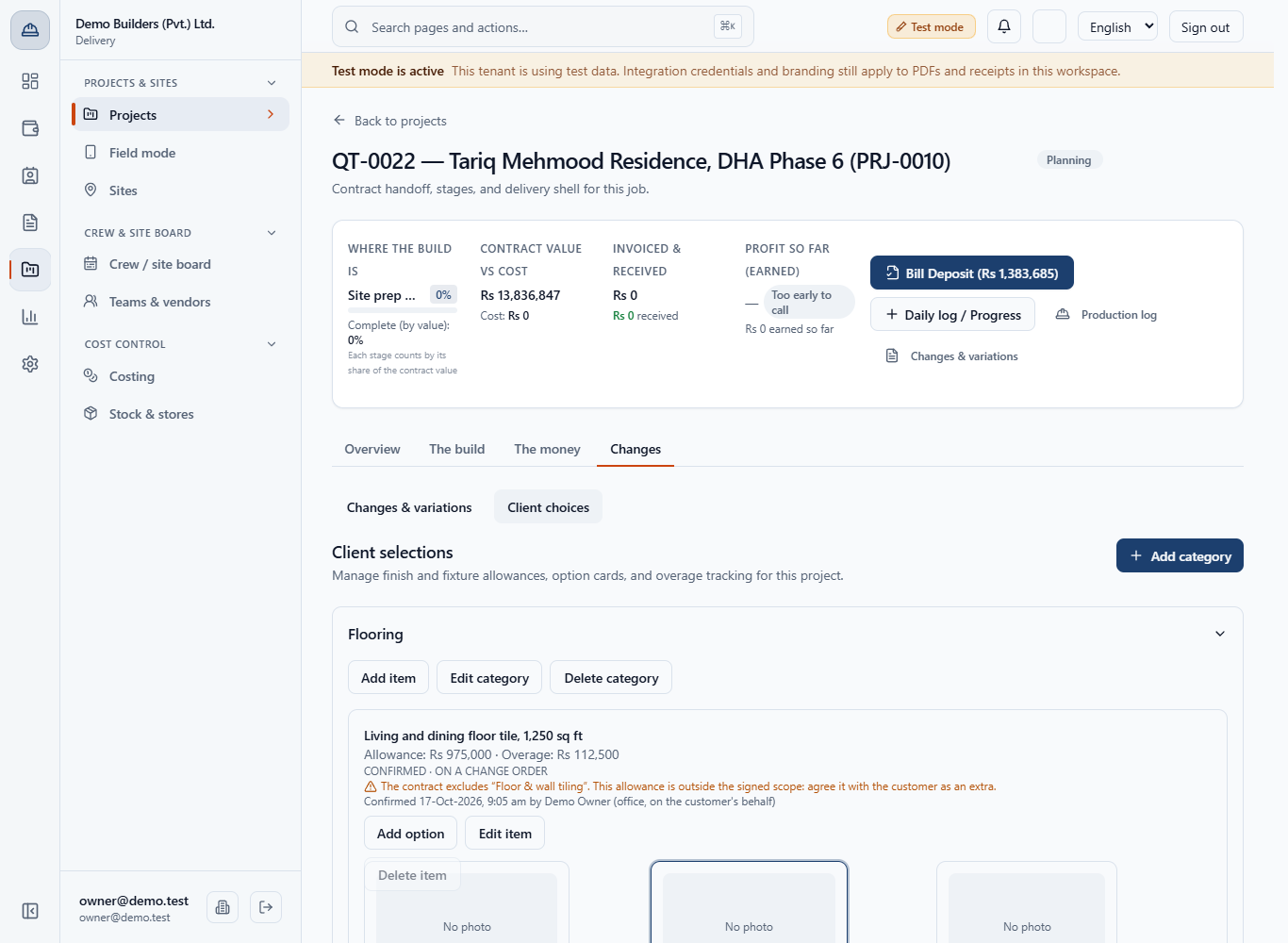
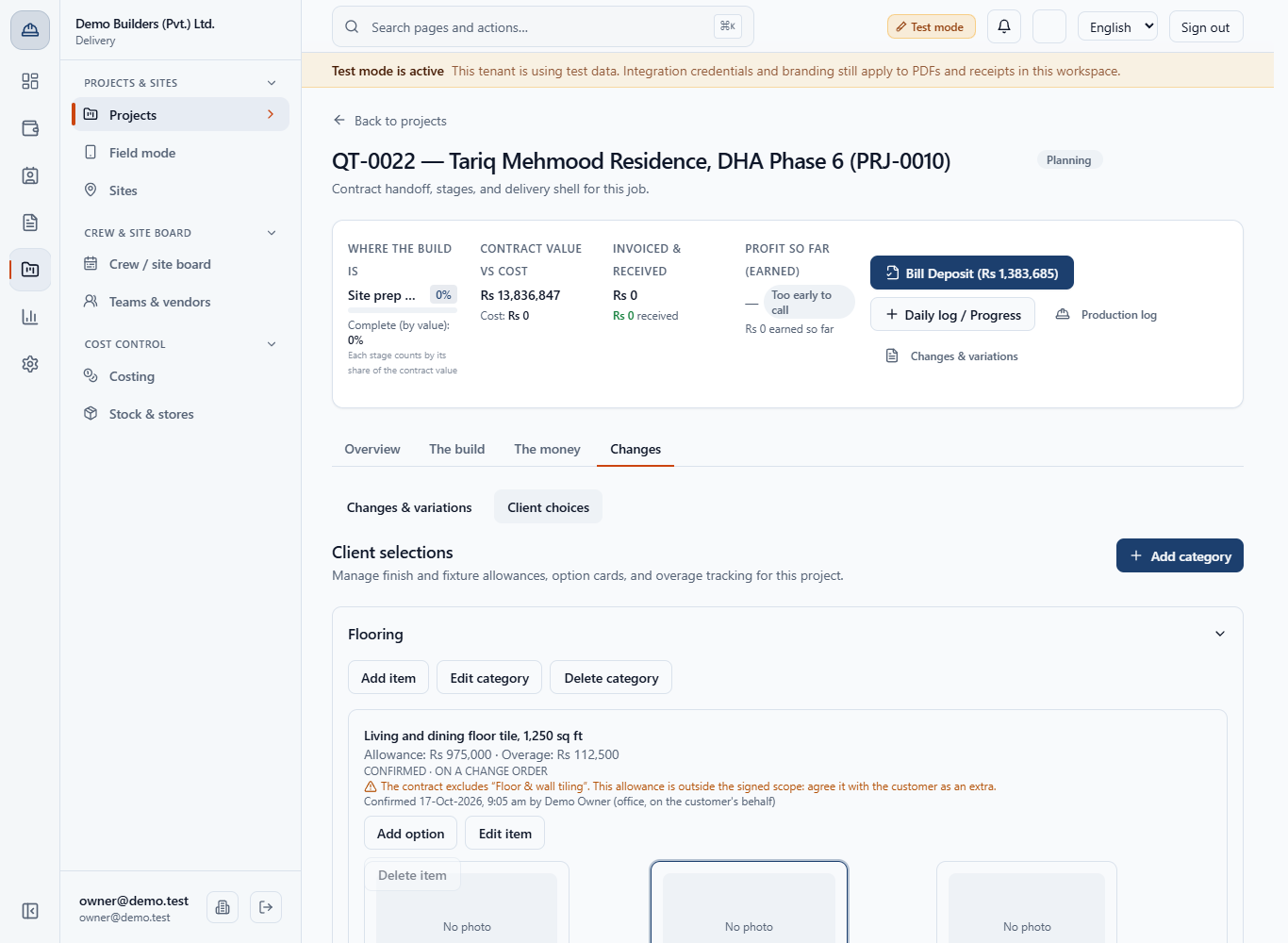
Back on Client choices, both items read CONFIRMED · ON A CHANGE ORDER. The Promote button, the amber strip and Reopen choice are gone, and Delete item is disabled.
| Mistake | What you see | Fix |
|---|---|---|
| Typing a rate per square foot as the option price | Overage looks far too small | Edit the option and enter its total price for the item |
| Ignoring the amber exclusion warning | The allowance is for something outside the signed scope | Agree it with the customer as an extra before you promote |
| Confirming before the customer agrees | The item shows CONFIRMED with your name | Click Reopen choice, then pick again |
| Trying to delete a promoted item | Delete item is disabled | Handle it through the change order |
| Item | Meaning / rule |
|---|---|
| Allowance | The amount the contract price already covers for the item |
| Contract line | Optional link to the signed line the allowance comes from |
| Overage | Option price minus allowance, never below zero |
| Status | PENDING, SELECTED, CONFIRMED, CONFIRMED · ON A CHANGE ORDER |
| Promote overages | Creates one draft change order with a line per item with overage |
Can I edit or delete a category, item or option? Yes. Each has Edit and Delete. Delete item is disabled once the item is on a change order.
Can I undo a confirmed choice? Yes, click Reopen choice until the item has been promoted to a change order.
Does the allowance come from the contract? No, you type it. You can link the contract line it comes from, and the app warns you when the contract excludes the item.
Does promoting overages change the contract value? No. It creates a draft change order. The contract changes only when that change order is approved.
BuildFlow runs this whole workflow. See what BuildFlow does and what it costs, or browse all step-by-step guides.