Open the sent quotation
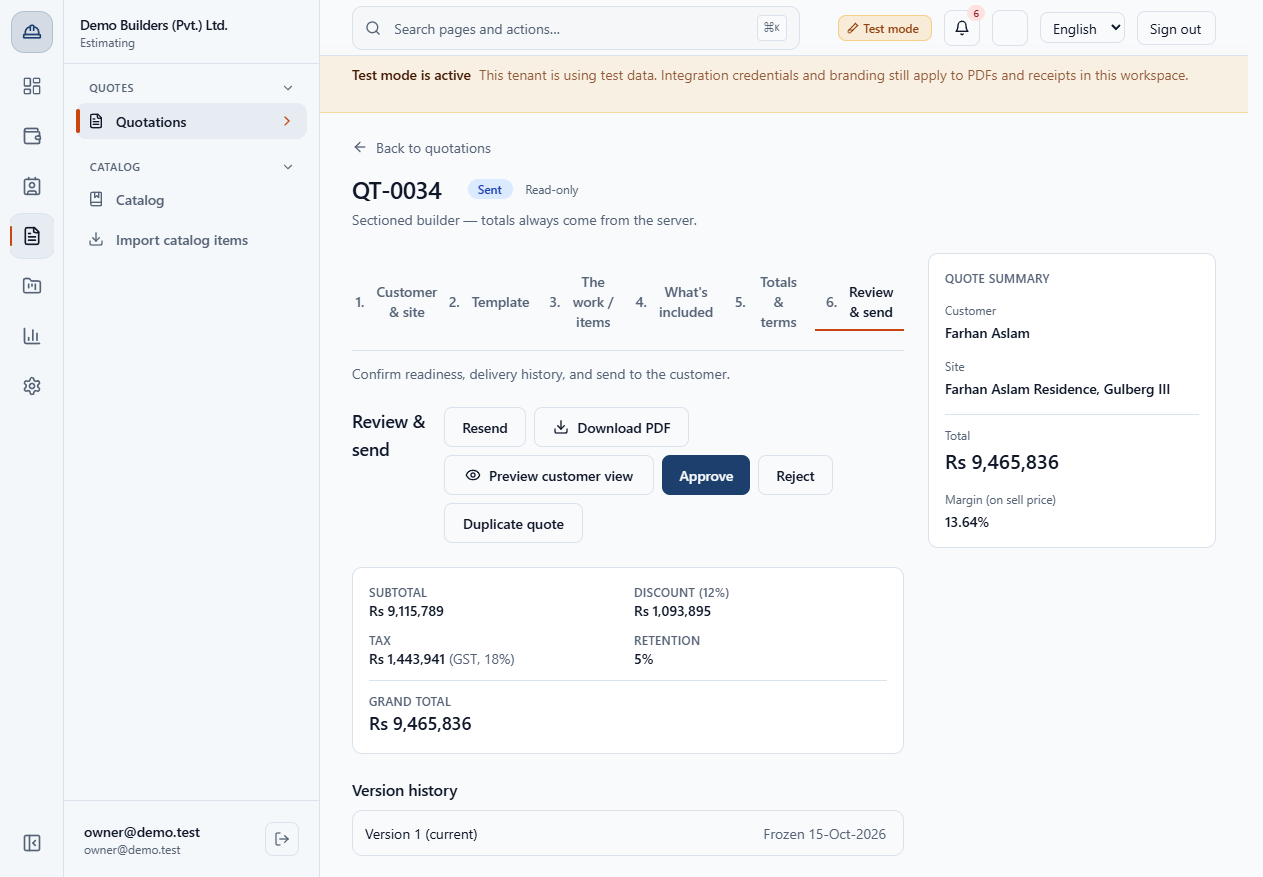
Open the quotation and go to Review & send. A sent quote shows Approve, Reject and Resend.
When the customer says yes, you record the approval and turn the quotation into a project with a contract, a payment schedule and a cost budget. This guide shows each click and what is created.
Open the quotation and go to Review & send. A sent quote shows Approve, Reject and Resend.
Click Approve. The dialog says Record customer approval for this frozen version on their behalf. Choose How was this captured?: Staff on behalf, Signed PDF or In person.
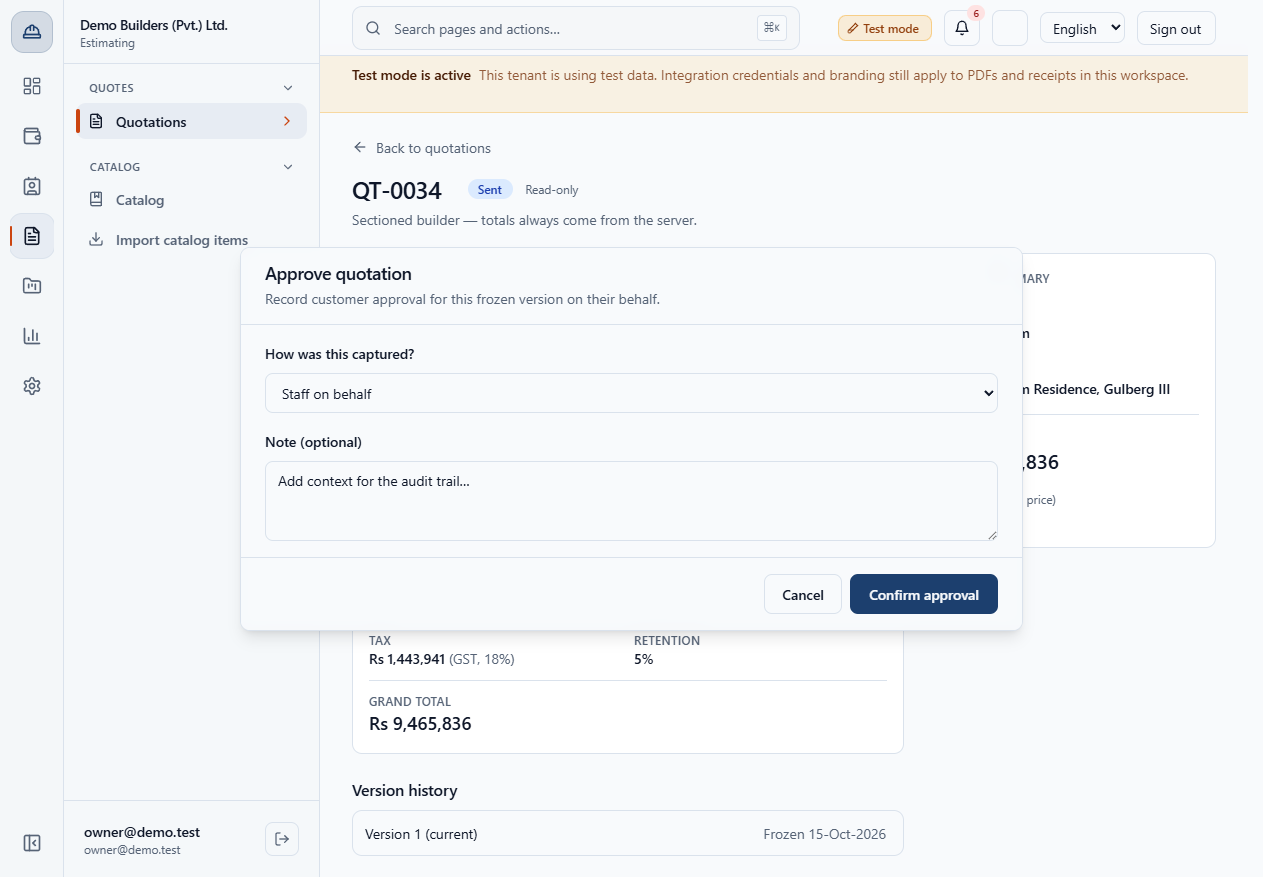
Choose Signed PDF, type a note such as "Customer signed and returned the printed quotation at the office." and click Confirm approval.
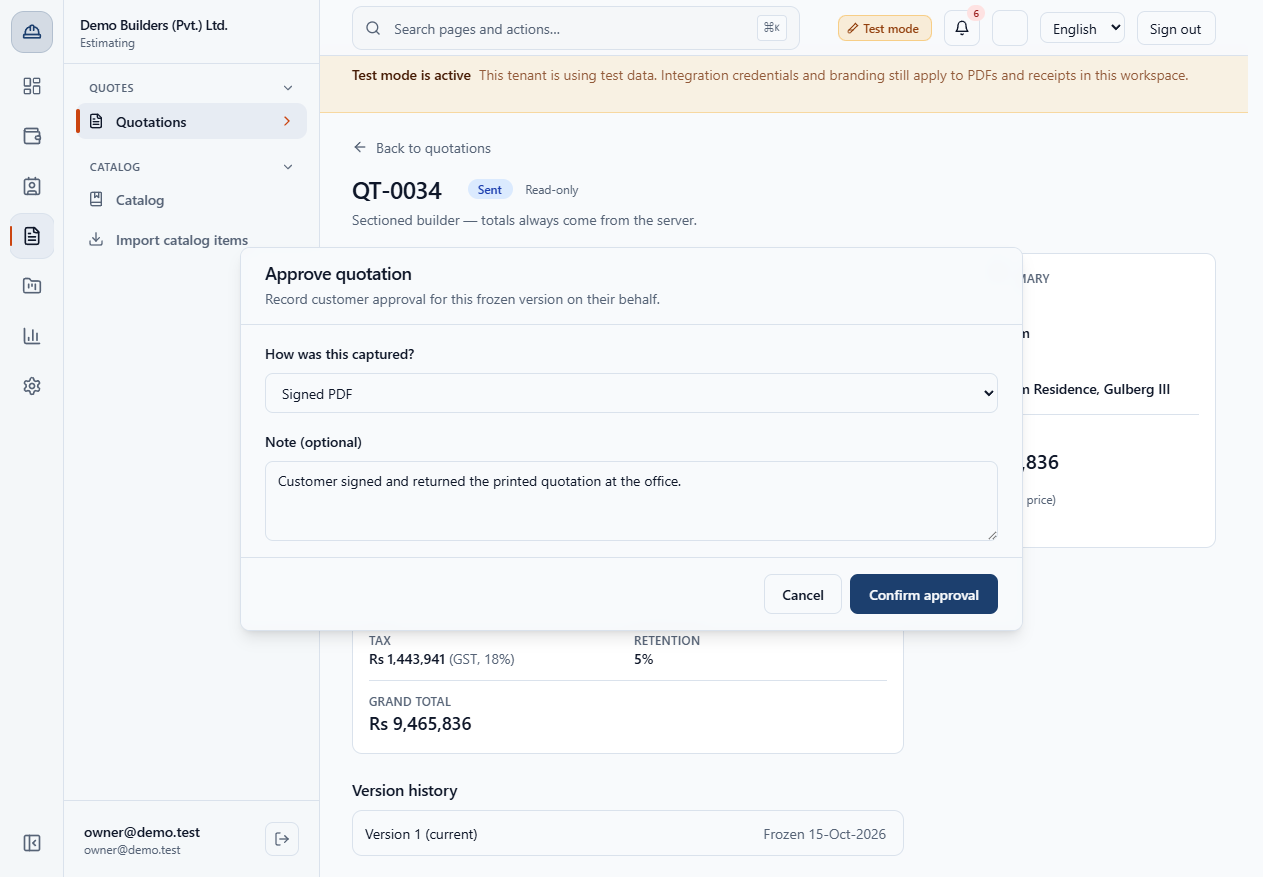
The quote shows Approved and the panel says This version is approved. with the method and time. Convert to project appears next to Preview customer view.
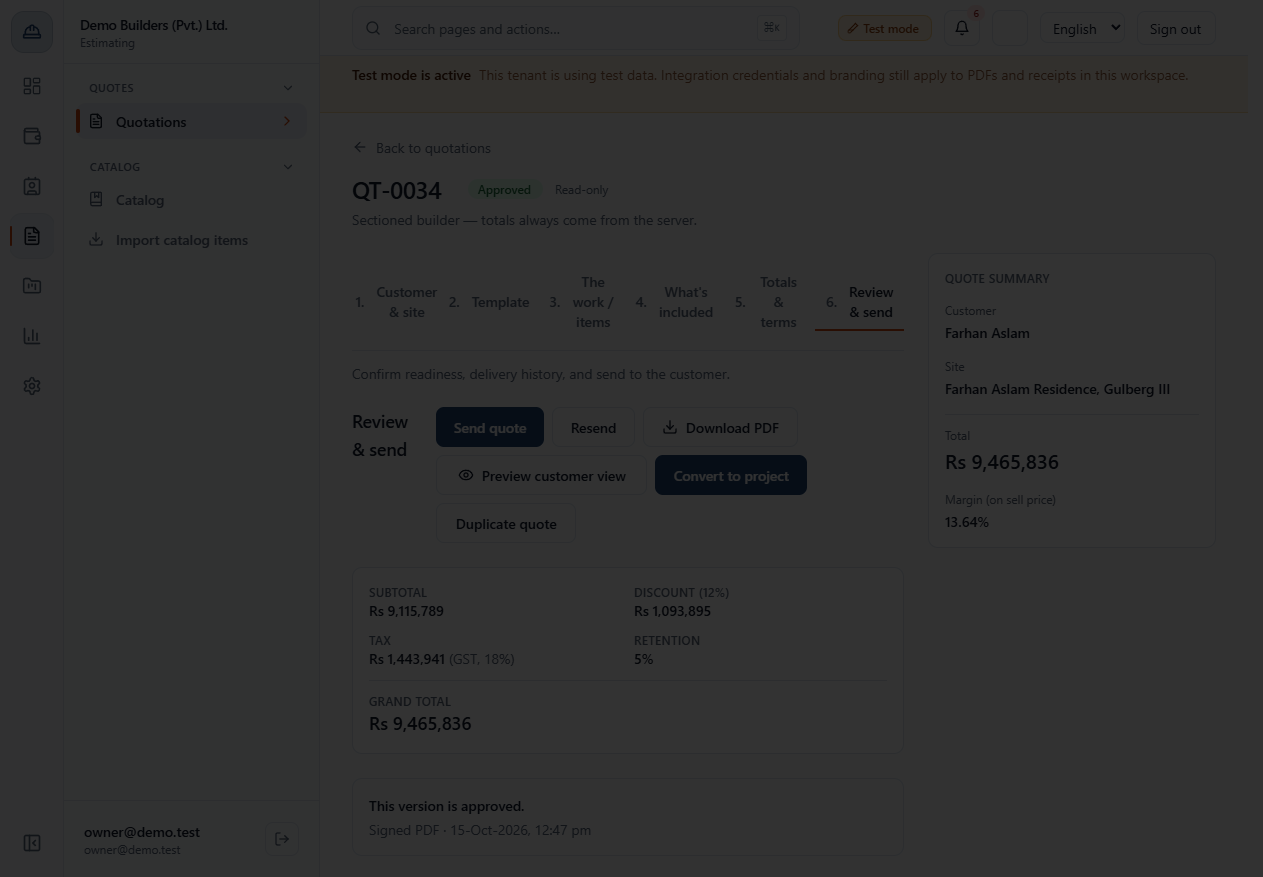
Click Convert to project. There is no dialog: the app says Quotation converted to project. and opens the new project.
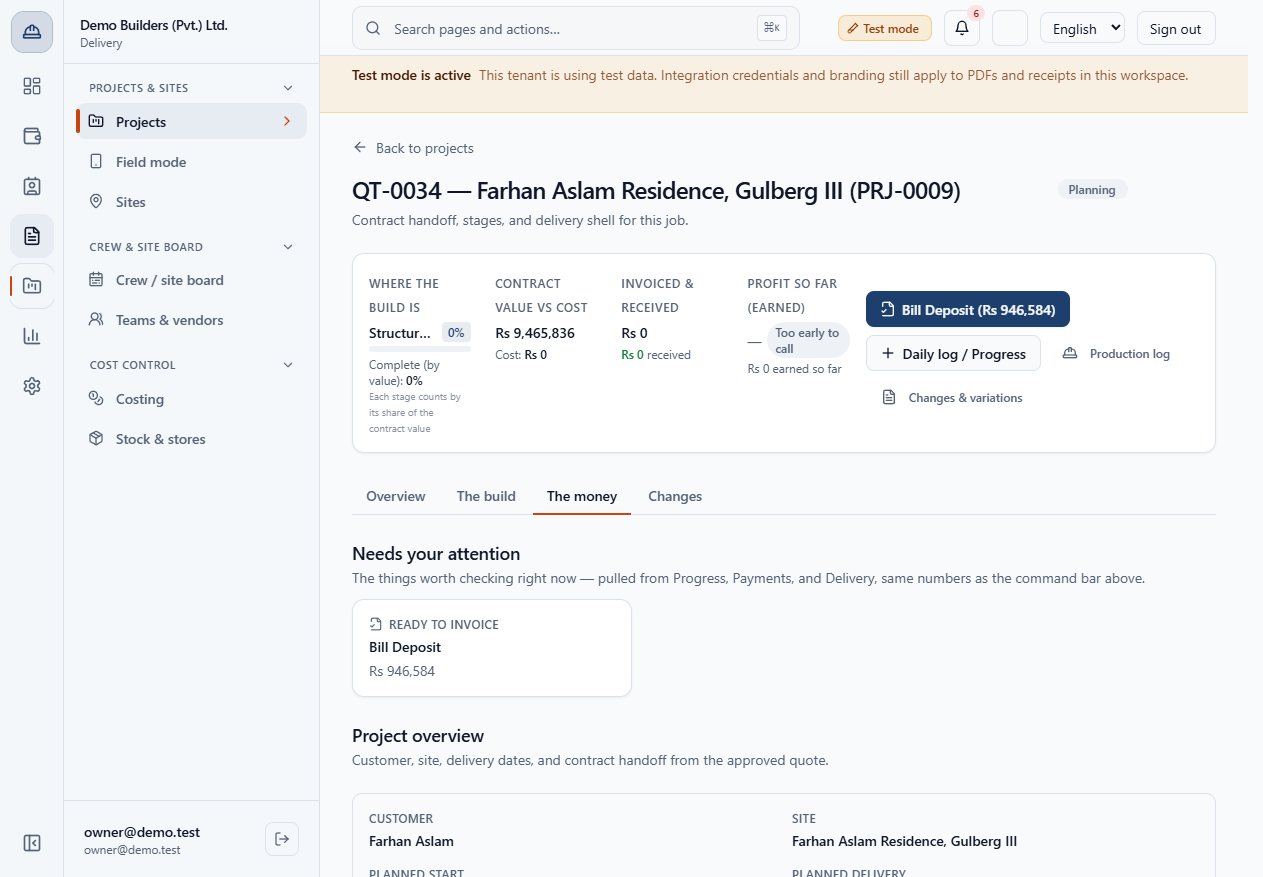
The project (here PRJ-0009) opens in Planning. The header tile Contract value vs cost shows the contract value (Rs 9,465,836) next to the cost booked so far (Rs 0). The Contract card shows the contract number CON-0008, Active, the contract value Rs 9,465,836 and the signed date.
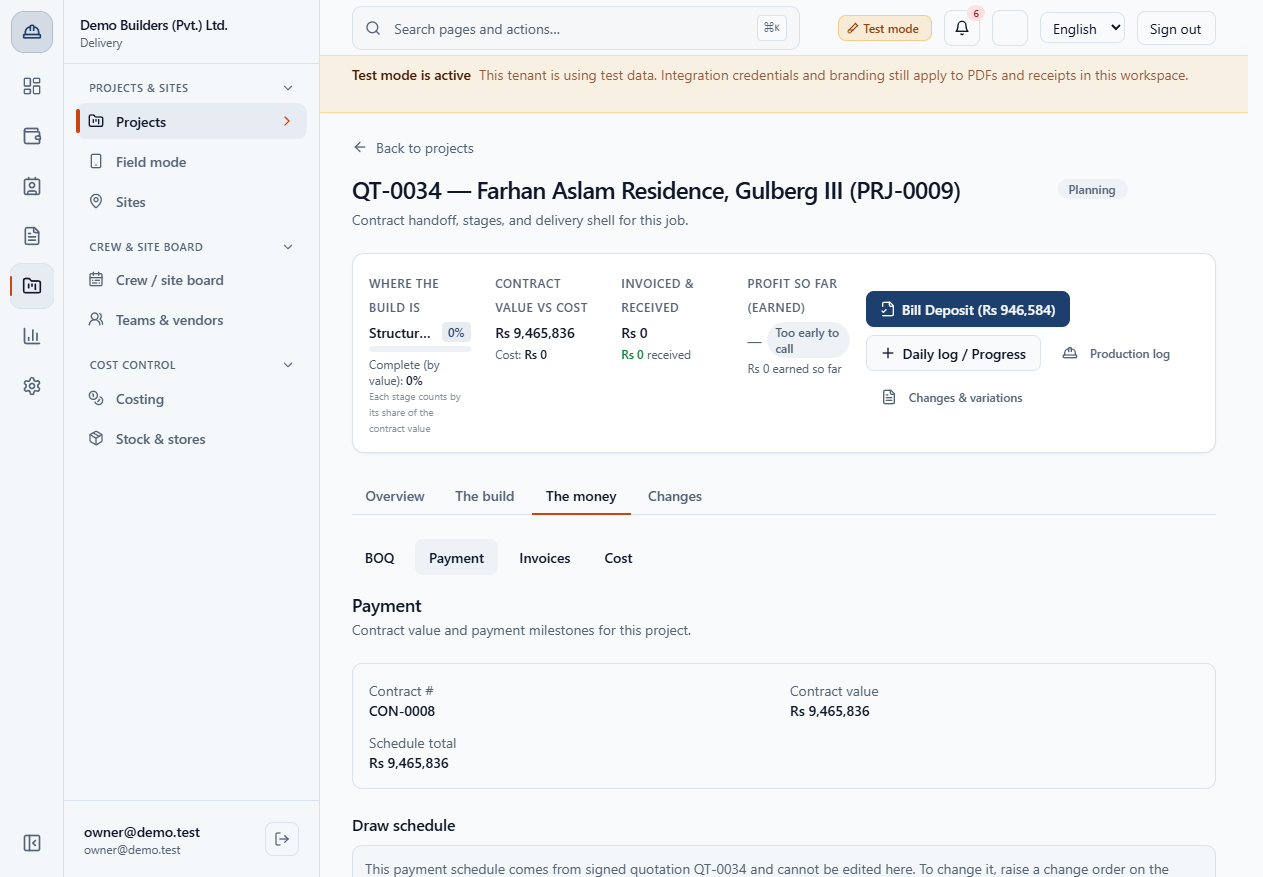
Open The money › Payment. The schedule is copied from the quote: deposit 10%, a stage draw 80% and the final payment 10%. It cannot be edited here; use a change order on the quotation.
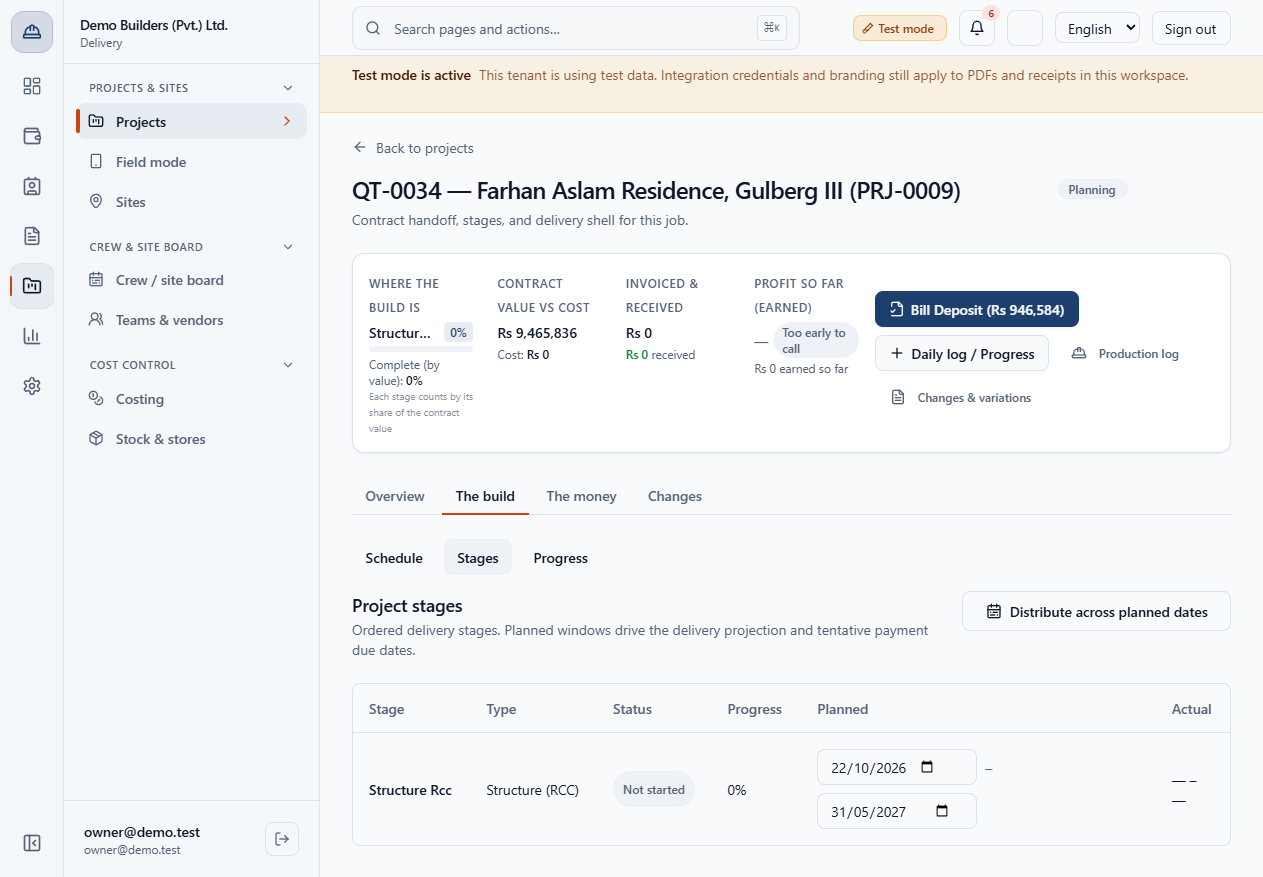
Open The build › Stages. Stages come from the stage tags on the quote lines.
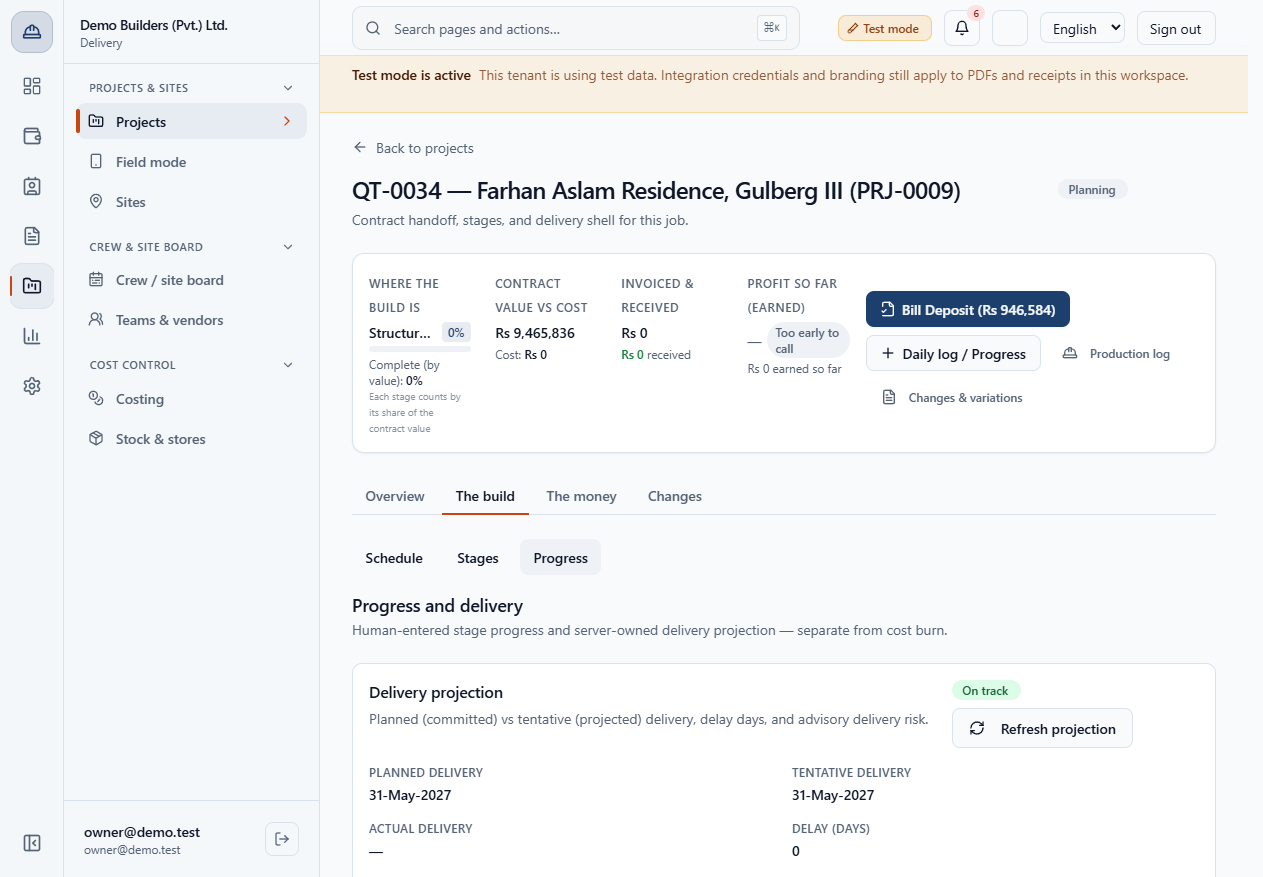
Under Progress the delivery projection says On track with the planned delivery 31 May 2027 and the original baseline.
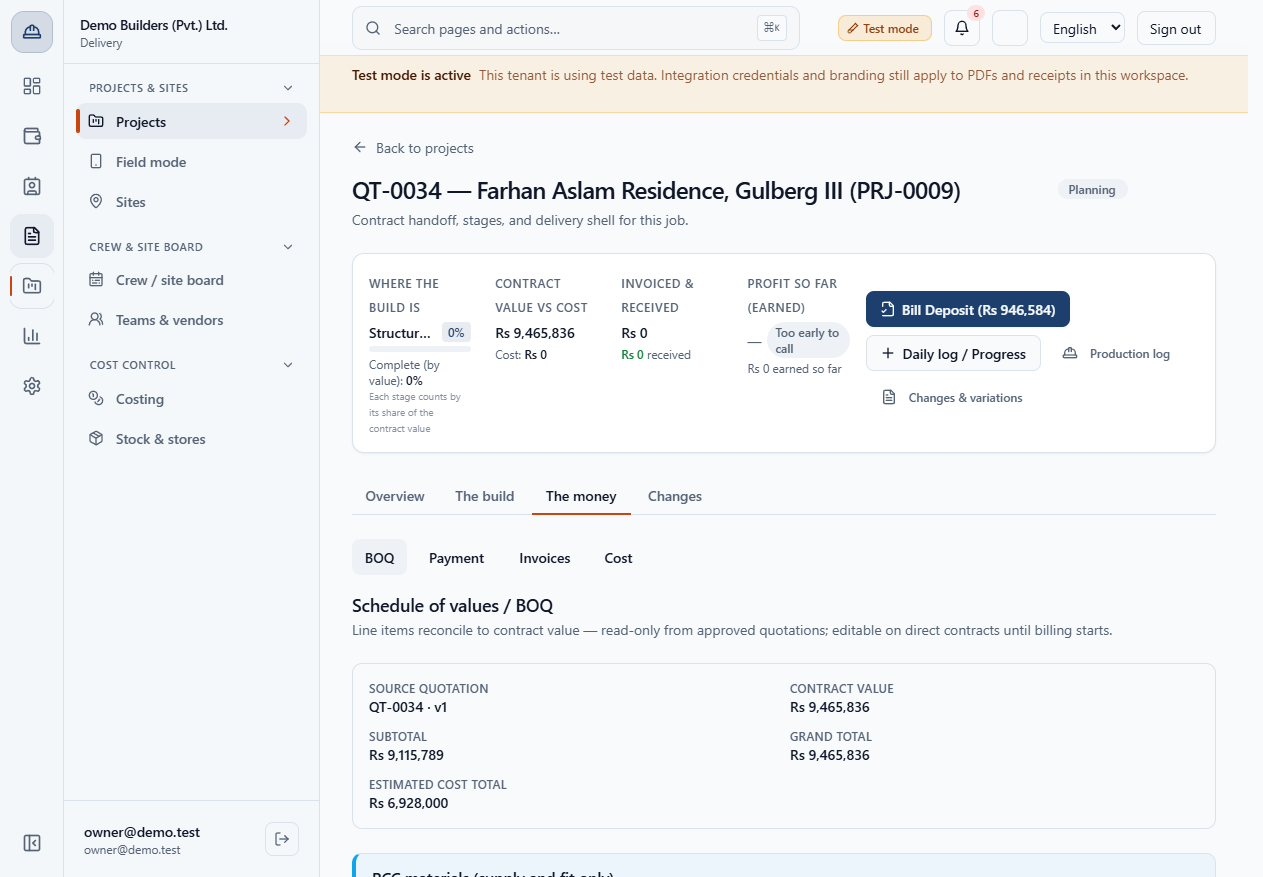
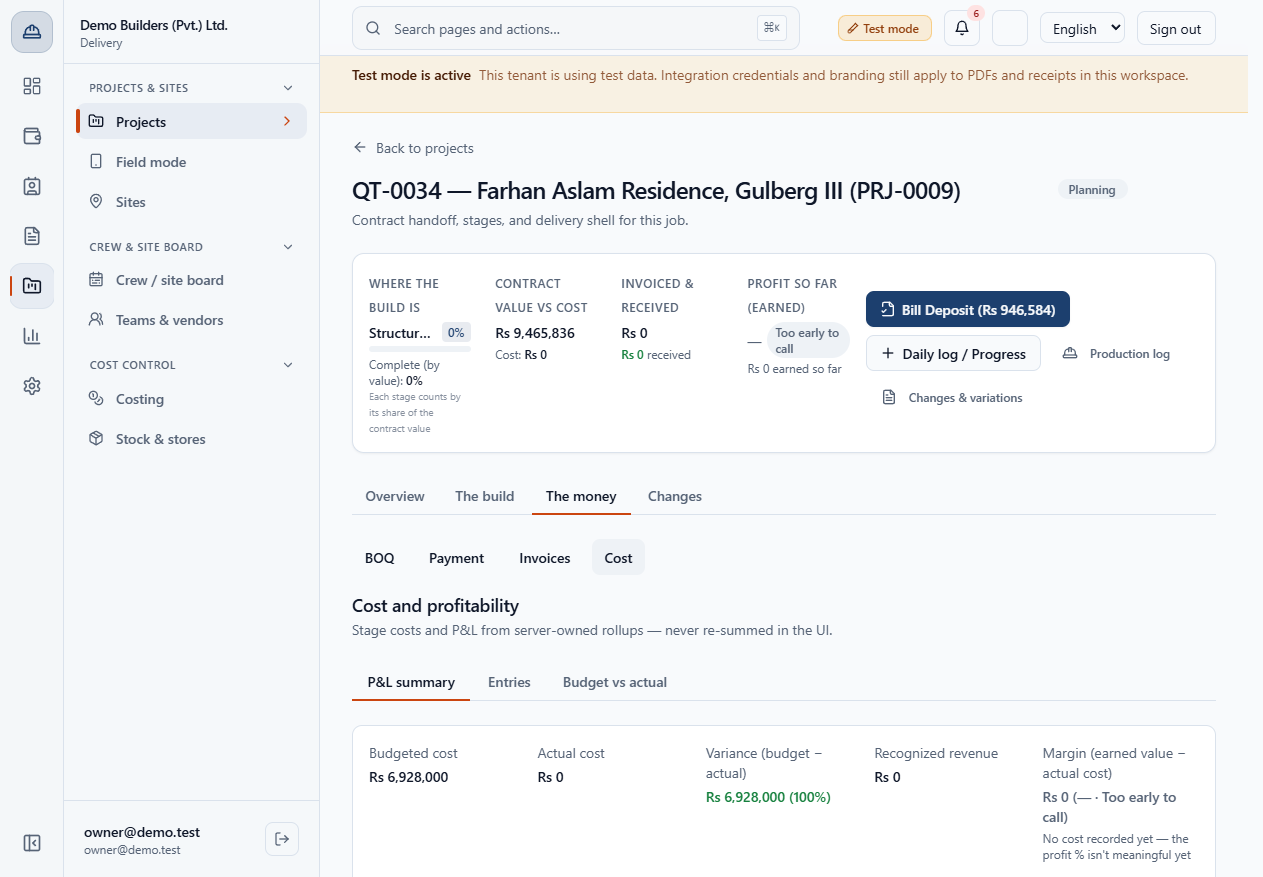
Open The money › Cost. Budgeted cost is Rs 6,928,000, your cost from the quote, not the customer price. That is why the header tile is called contract value vs cost: the contract value is what the customer pays, the budget is what you expect to spend.
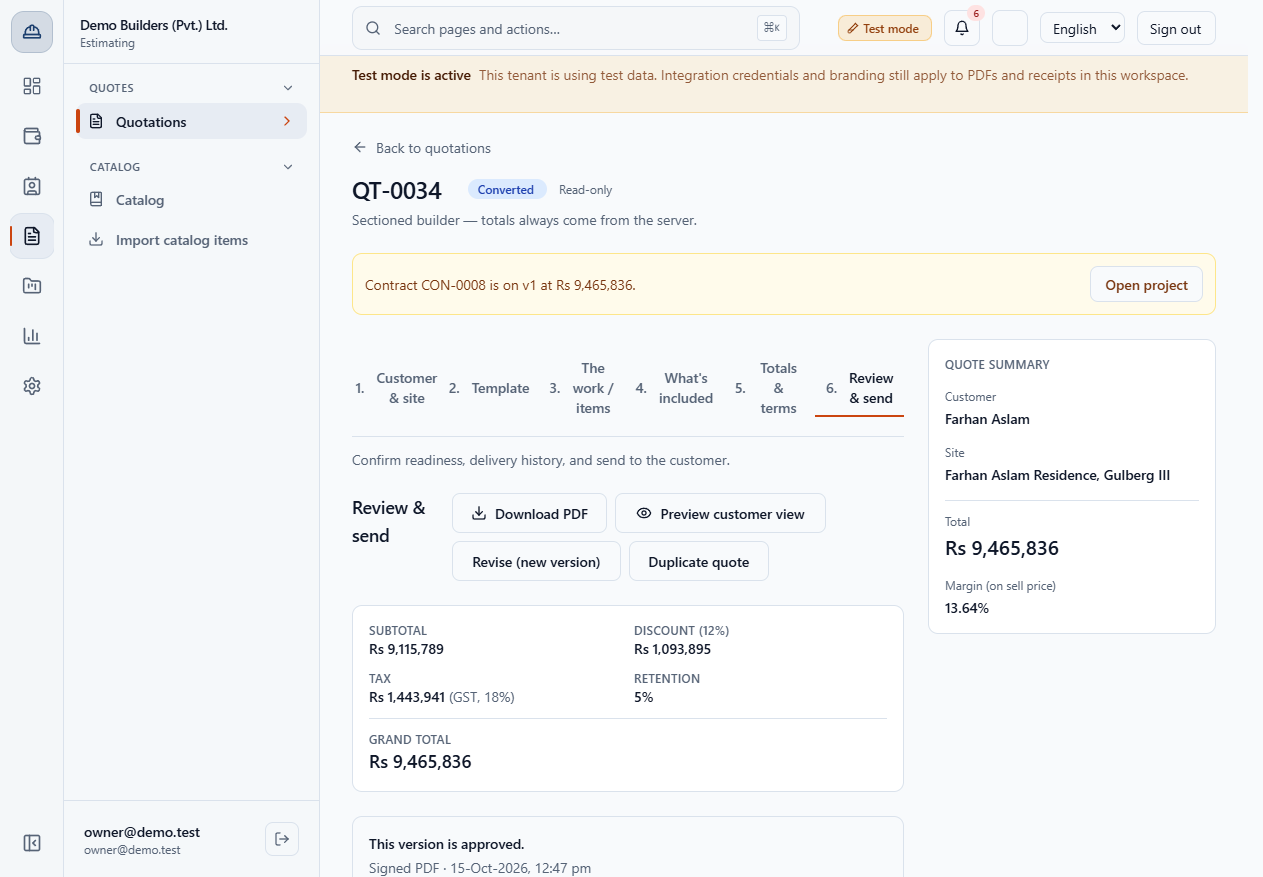
The quote shows Converted and the banner Contract CON-0008 is on v1 at Rs 9,465,836. with Open project.
| Mistake | What you see | Fix |
|---|---|---|
| Looking for a confirm dialog on Convert | None appears; the project opens | Check the project instead |
| Trying to edit the payment schedule on the project | It says it cannot be edited | Raise a change order on the quotation |
| Item | Meaning / rule |
|---|---|
| Approval method | Staff on behalf, Signed PDF or In person |
| Contract value | The quote's grand total |
| Cost budget | The quote's internal estimated cost |
| Baseline | Planned start a week after signing, delivery on the committed date |
Can I convert a quotation that is not approved? No. Convert to project appears only after the quotation is approved.
Does converting create an invoice? No. Nothing is invoiced yet; the deposit is billed from the project afterwards.
Can I still edit a converted quotation? No. It is read-only; you can revise or duplicate it.
BuildFlow runs this whole workflow. See what BuildFlow does and what it costs, or browse all step-by-step guides.