Open the BOQ tab
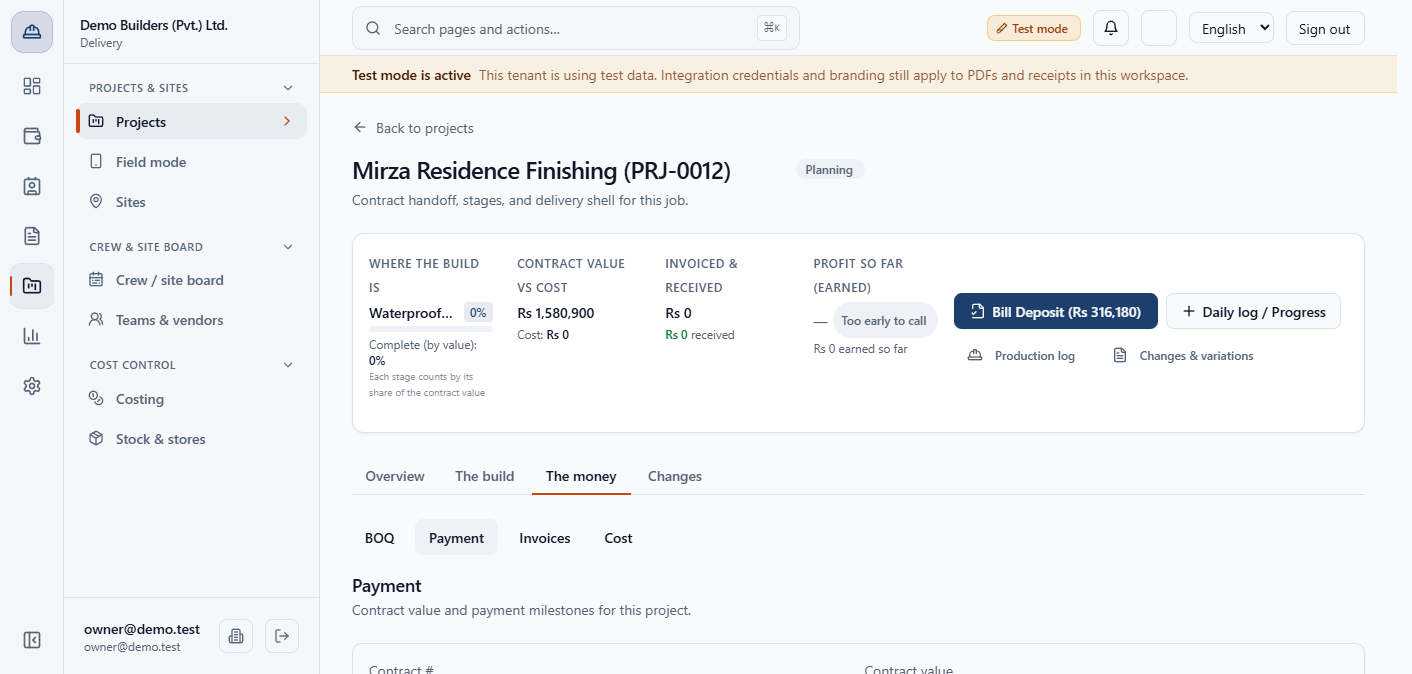
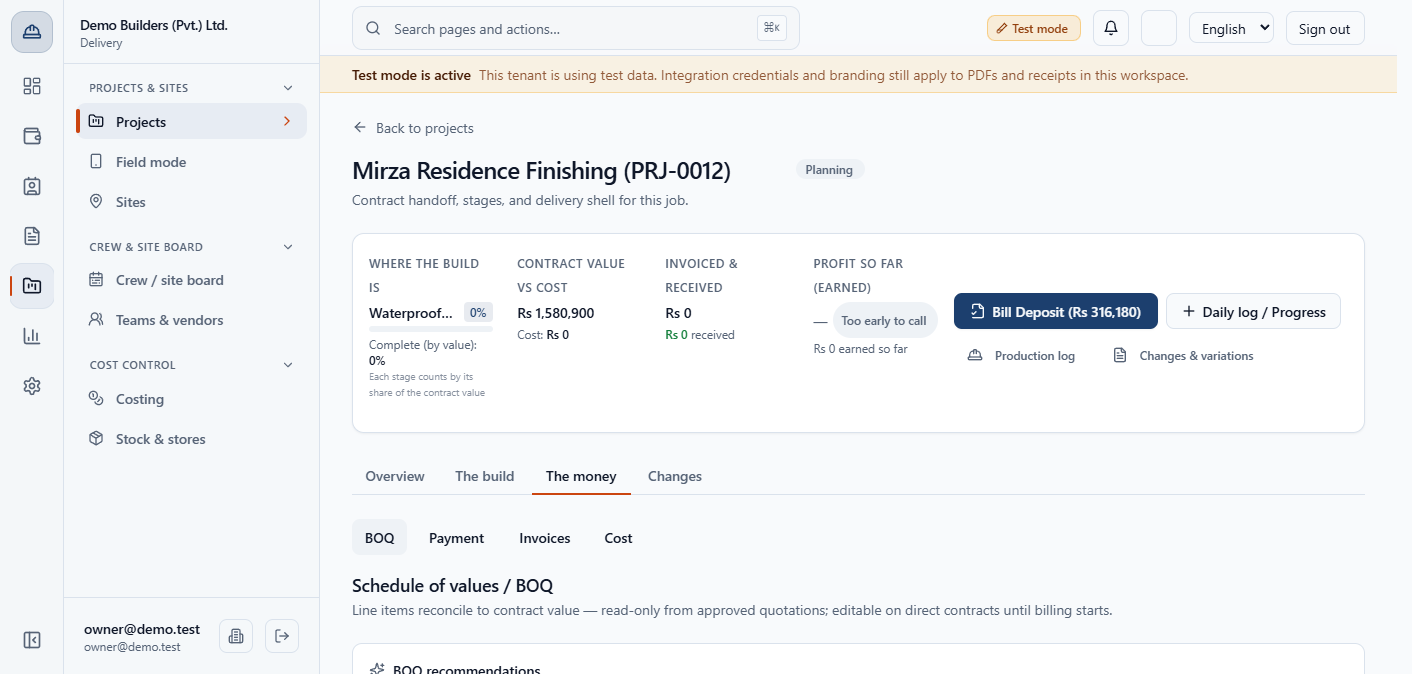
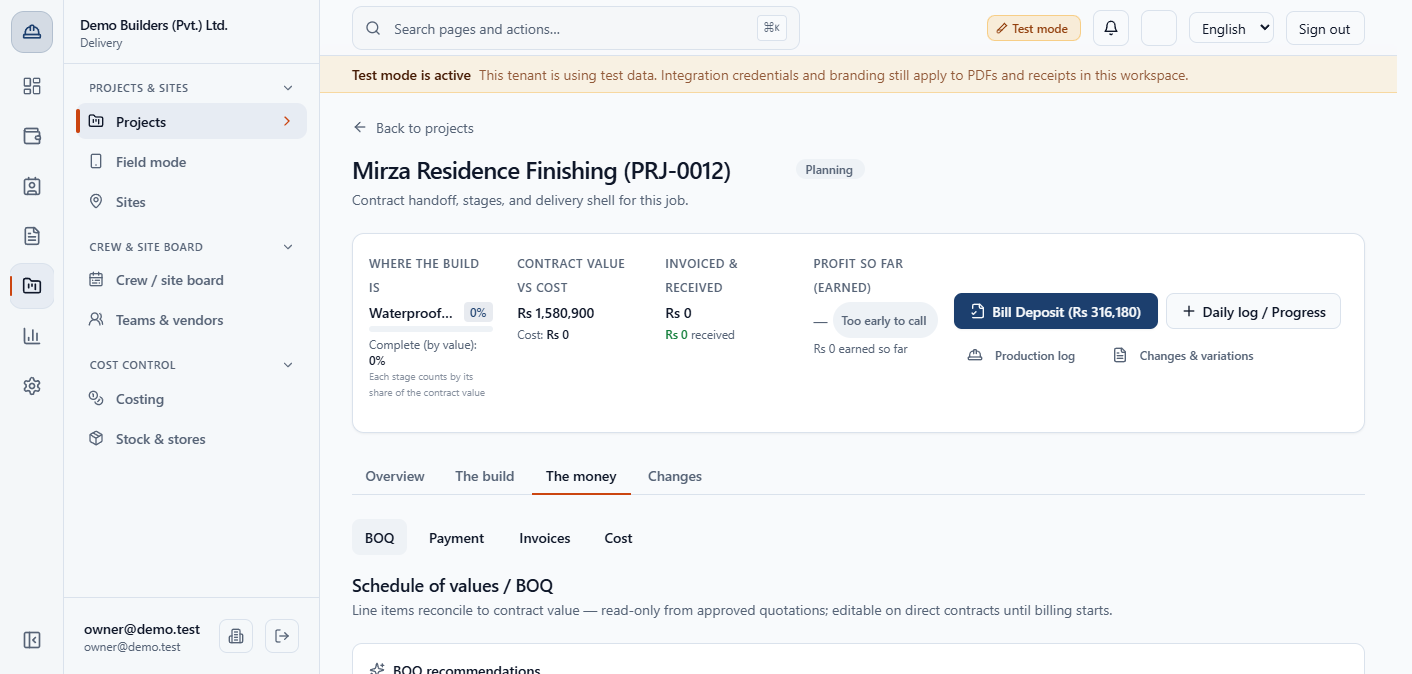
Open the project, then The money › BOQ. With no contract yet the page only previews: Set payment schedule, Review & edit recommendations and Open Payment tab.
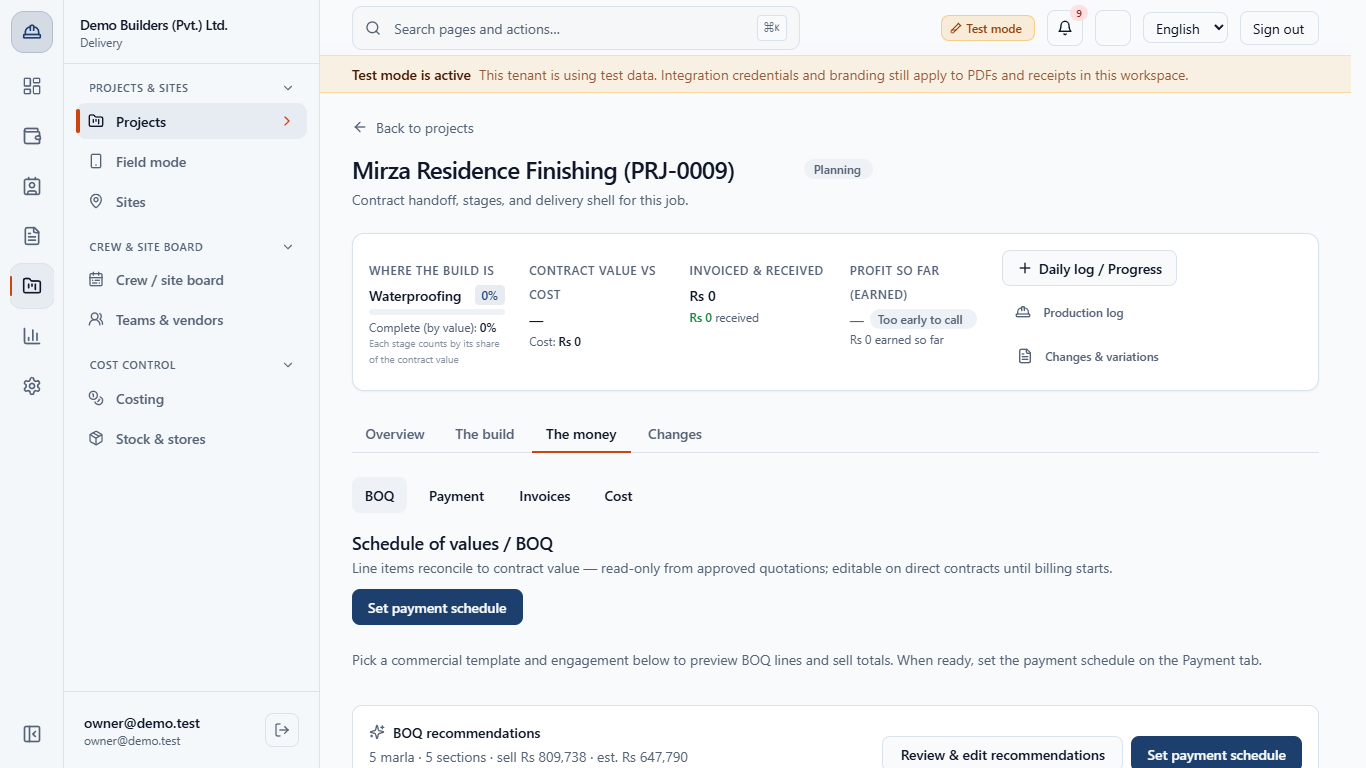
You will let BuildFlow propose the bill of quantities from the site's plot area, review it, attach a contract, type the schedule of values by hand and see how saving it moves the contract value, the payment milestones and the stage cost budgets.
Open the project, then The money › BOQ. With no contract yet the page only previews: Set payment schedule, Review & edit recommendations and Open Payment tab.
The BOQ recommendations card shows the site size, the number of sections, the sell total and the estimated cost, for example 5 marla. It is recomputed every time you open the tab. The area lines use the built area of the plot, converted to square feet (4 marla of built area is 1,089 sq ft).
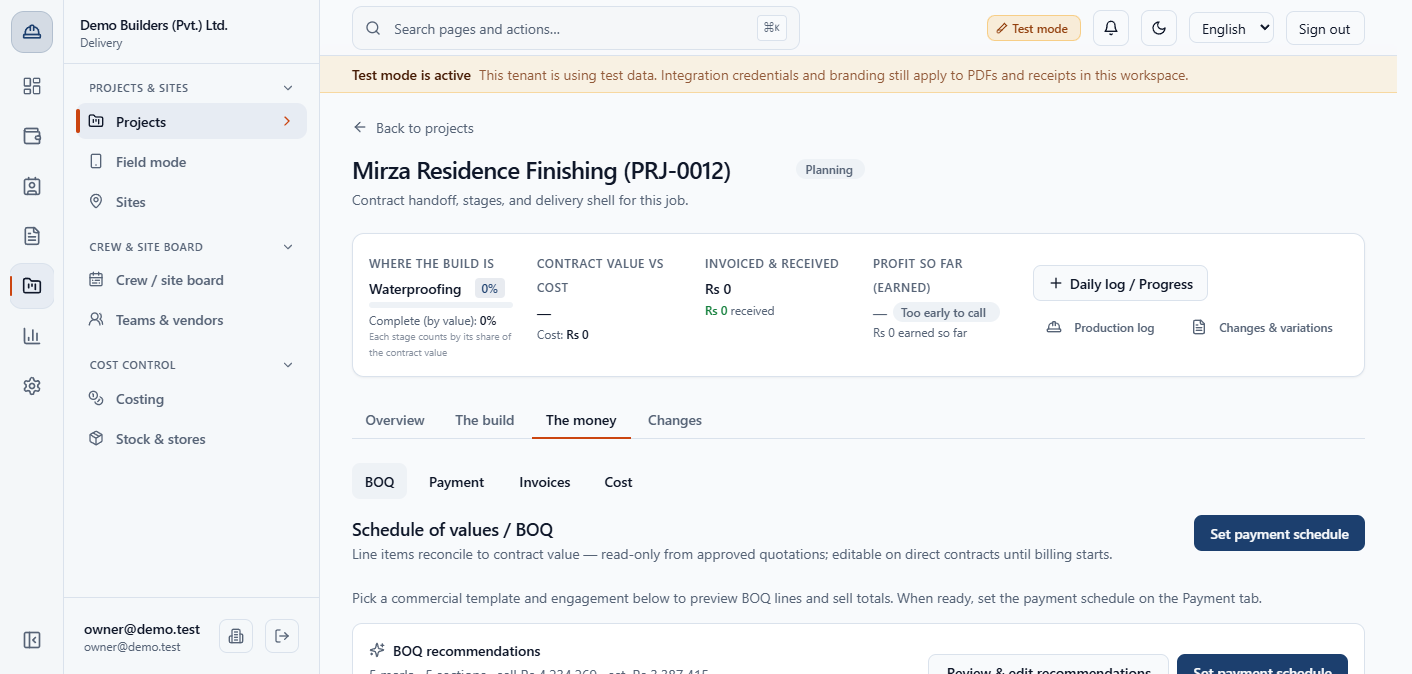
In Admin › Settings › Estimating, Plot package quantities lists a quantity per plot band (5, 7, 10, 12, 14 marla and 1, 2, 4 kanal) for each template. A plot between two bands is interpolated, and a plot outside them uses the nearest band.
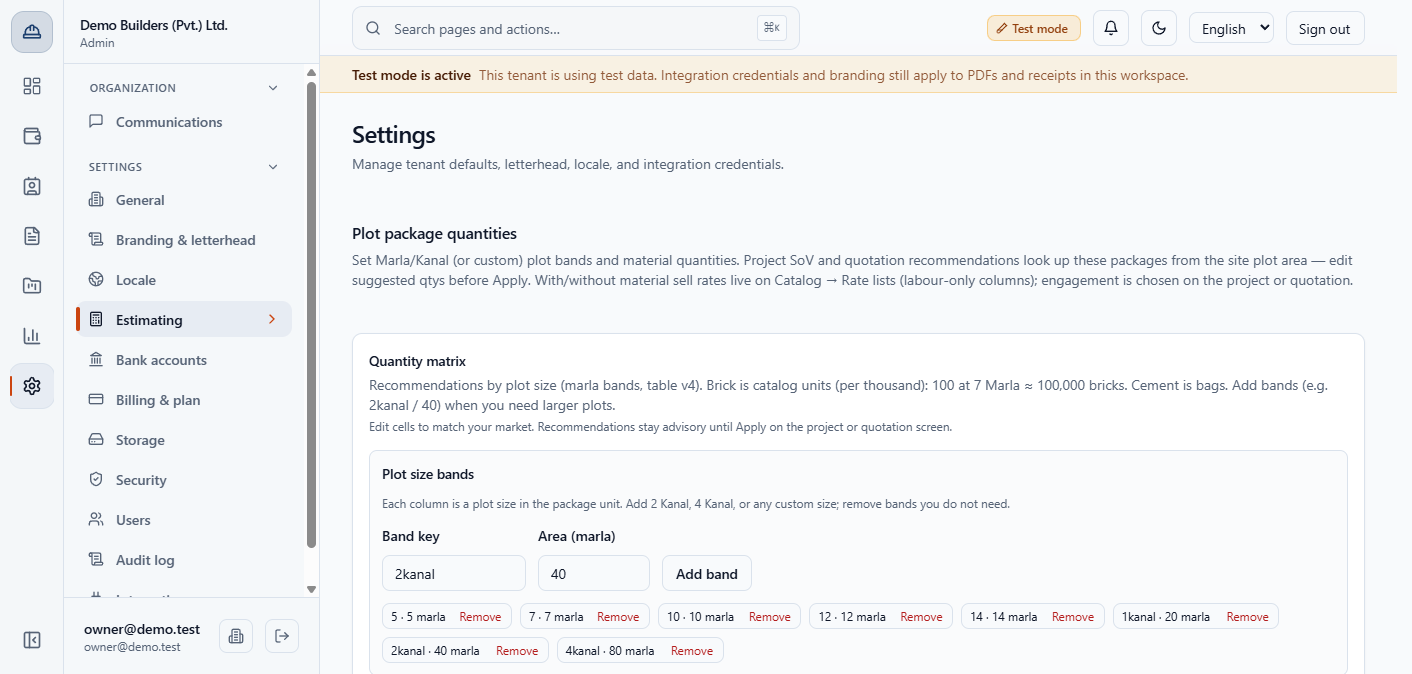
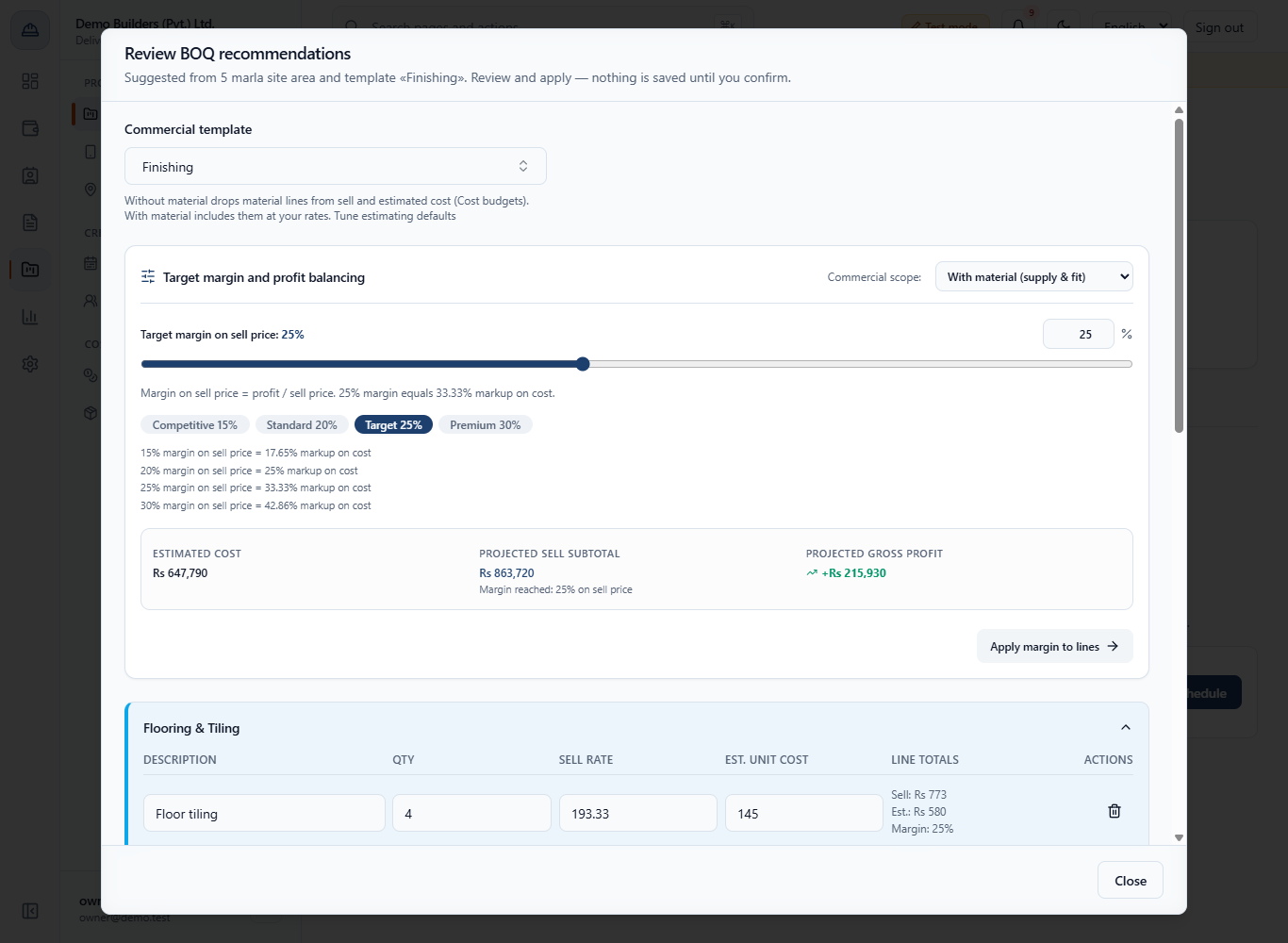
Click Review & edit recommendations. Choose the Commercial scope (With material (supply & fit), Without material (labour only) or Labour + formwork), then edit any quantity, rate or cost, or Add line and Remove line. The tiles show Estimated cost, Projected sell subtotal and Projected gross profit.
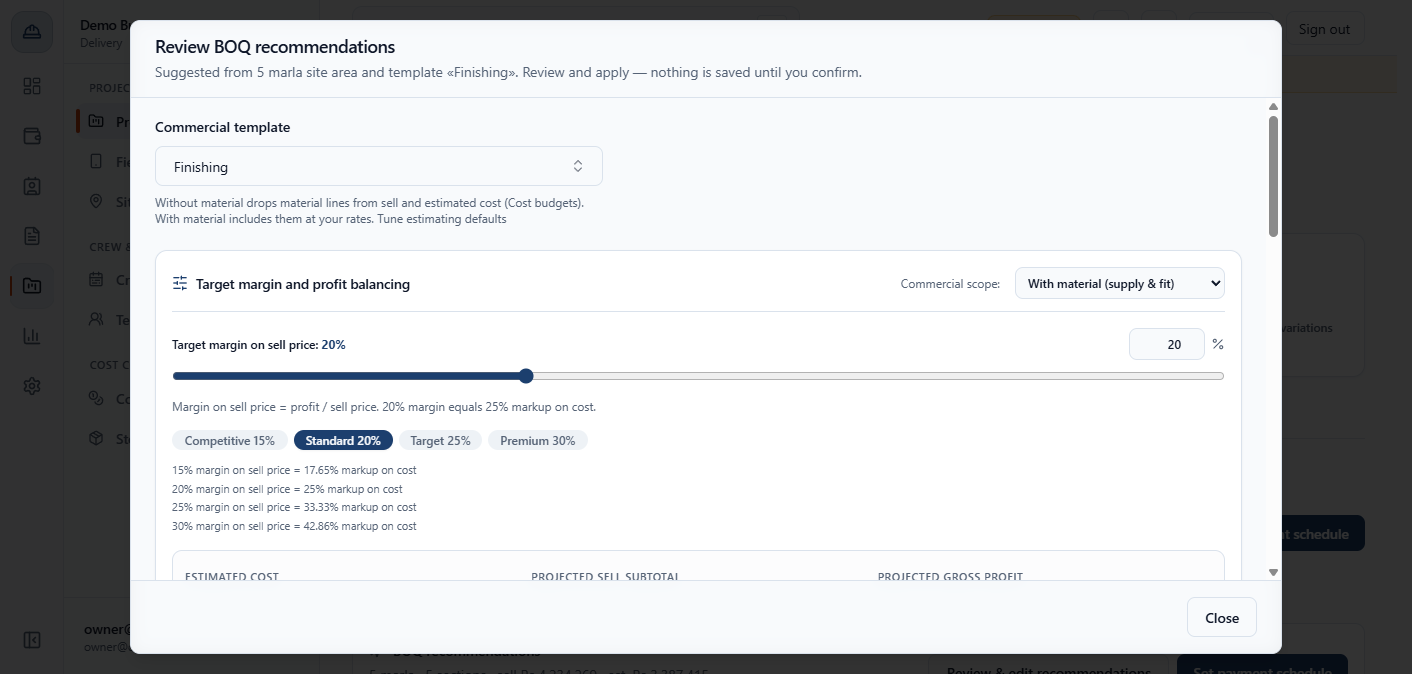
In Target margin and profit balancing pick a preset (Competitive 15%, Standard 20%, Target 25%, Premium 30%) or type a percentage, then click Apply margin to lines. At 25% the sell price is the estimated cost divided by 0.75, because margin is profit as a share of the sell price.
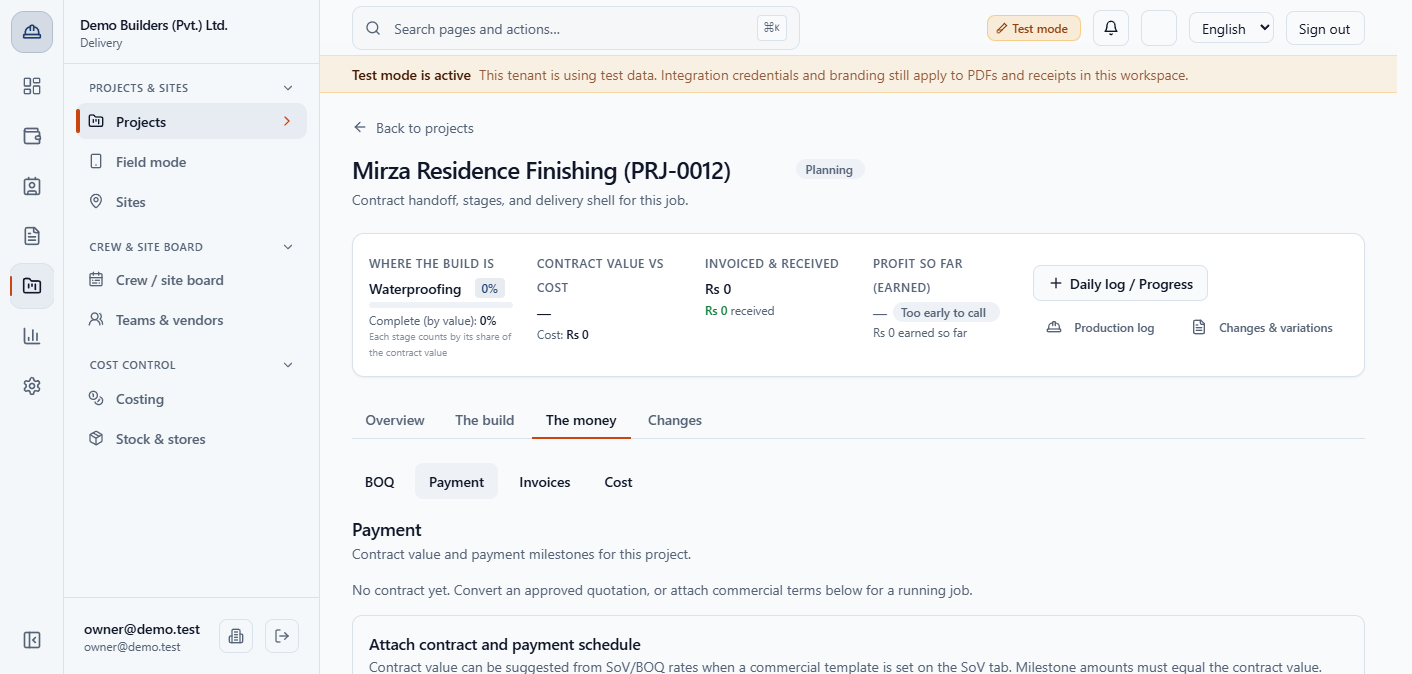
There is no apply button before a contract exists. Open The money › Payment, fill Attach contract and payment schedule, enter the contract value and add the payment milestones (Deposit, one per stage, Final payment). The milestone total must equal the contract value; the example is Rs 1,500,000 in five milestones.
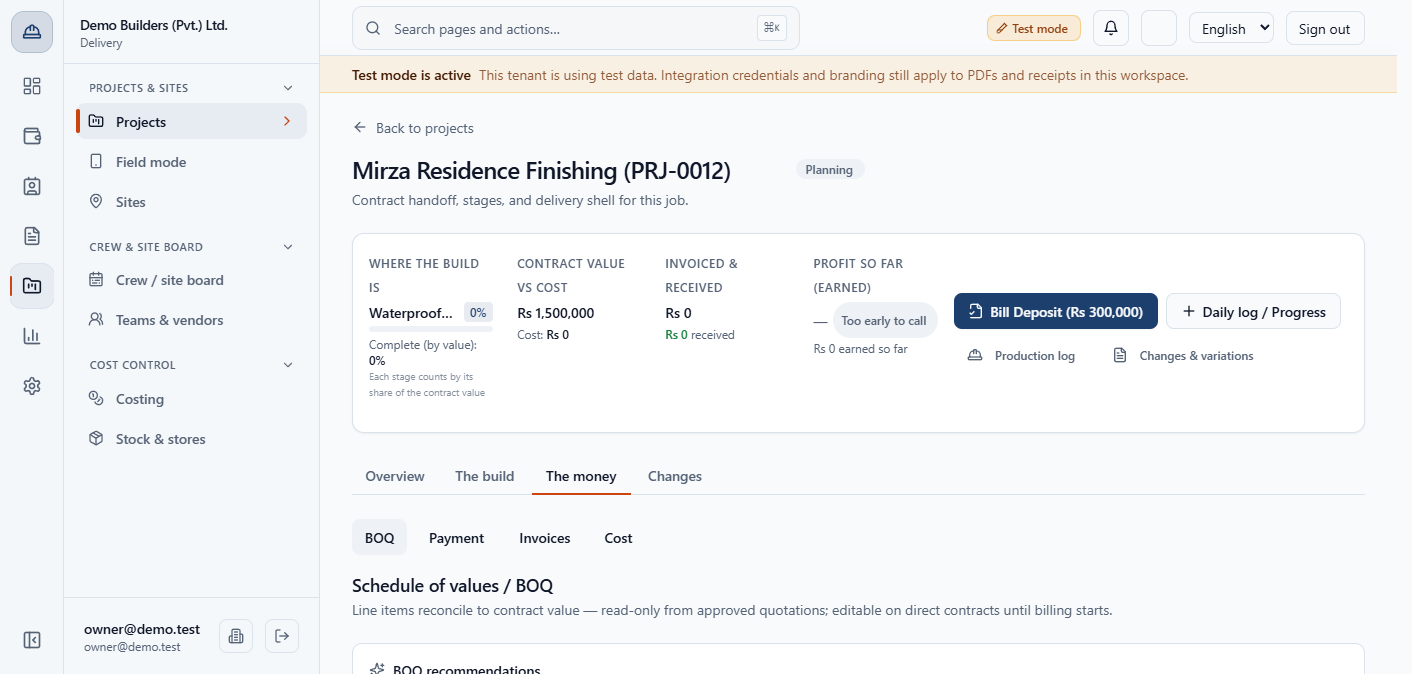
Back on BOQ, the Direct commercial SoV editor appears. Click Add section, give it a Section title and a Default stage, then add lines with Description, Quantity, Sell rate and Est. unit cost. The amount is quantity times rate, and Line total (draft) and Estimated cost total update as you type. The example totals Rs 1,580,900 sell and Rs 1,192,000 estimated cost.
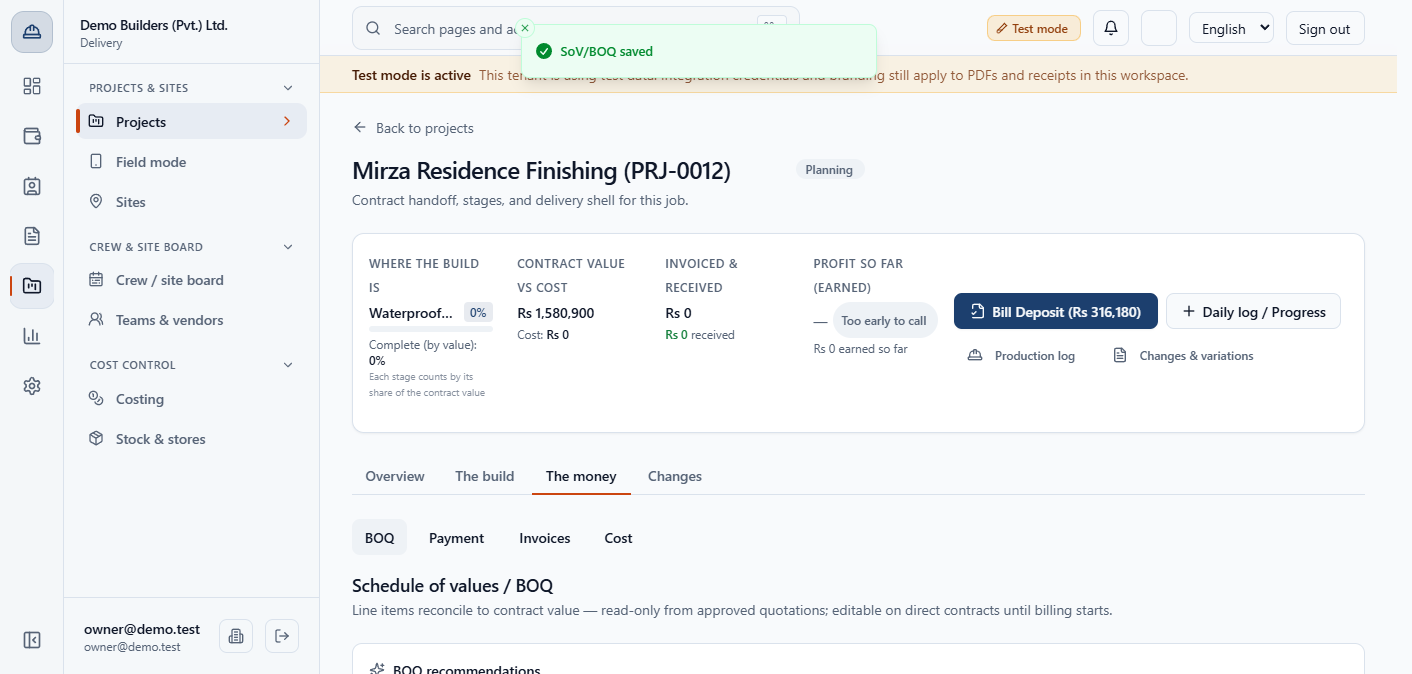
Click Save SoV/BOQ. The message SoV/BOQ saved appears and three things change at once. The contract value becomes Rs 1,580,900. The milestones scale in proportion to 316,180, 158,090, 474,270, 316,180 and 316,180. The stage cost budgets follow the estimated cost: Waterproofing 85,500, Flooring 766,900 and Finishing 339,600.
Check The money › Payment for the milestones and The money › Cost for the budgeted cost of Rs 1,192,000.
If you remove every line and save, the app asks you to confirm, because a zero total would wipe the contract value and scale the milestones to zero. Apply & replace SoV/BOQ also asks first, because it replaces your lines with the recommendation, updates the contract value and rescales the payment schedule.
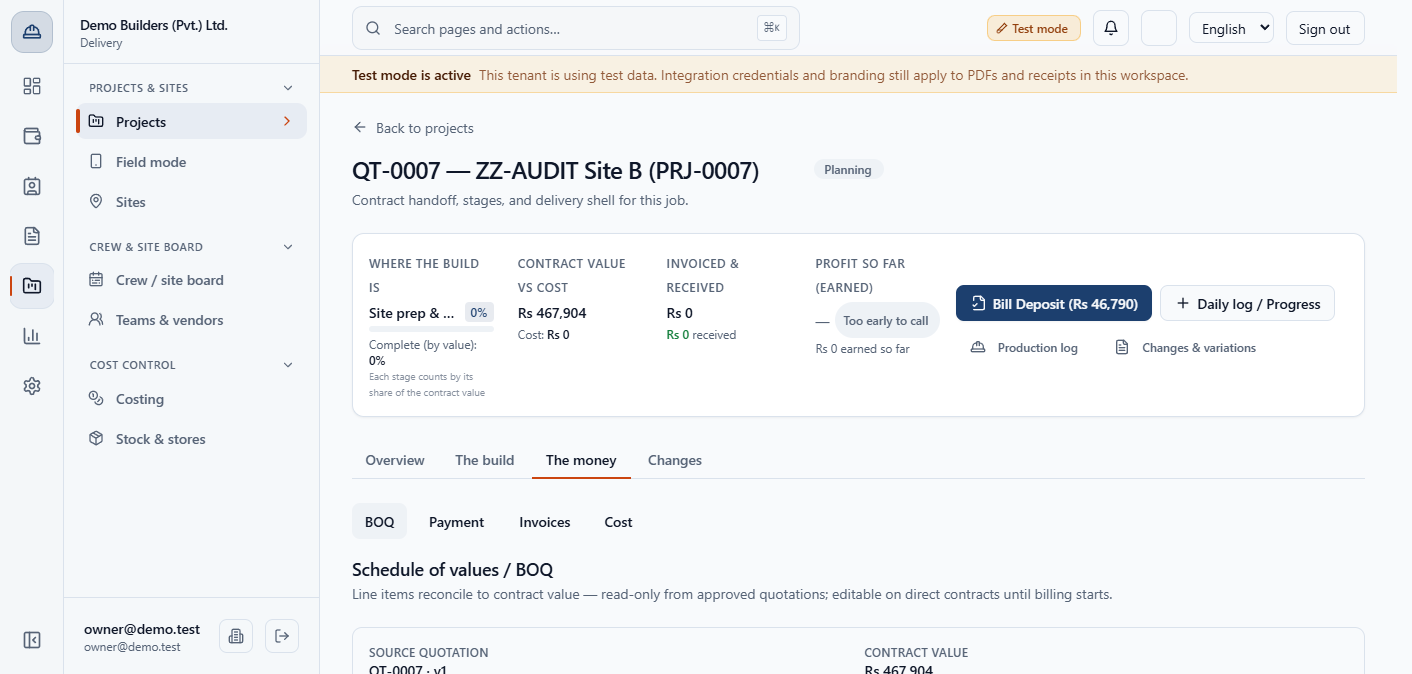
A project converted from a quotation shows its schedule of values as read-only text with the source quotation and the contract value. There is no Save, Apply or Add button, and a contract with invoices issued cannot be changed either. Change a converted contract only through a change order.
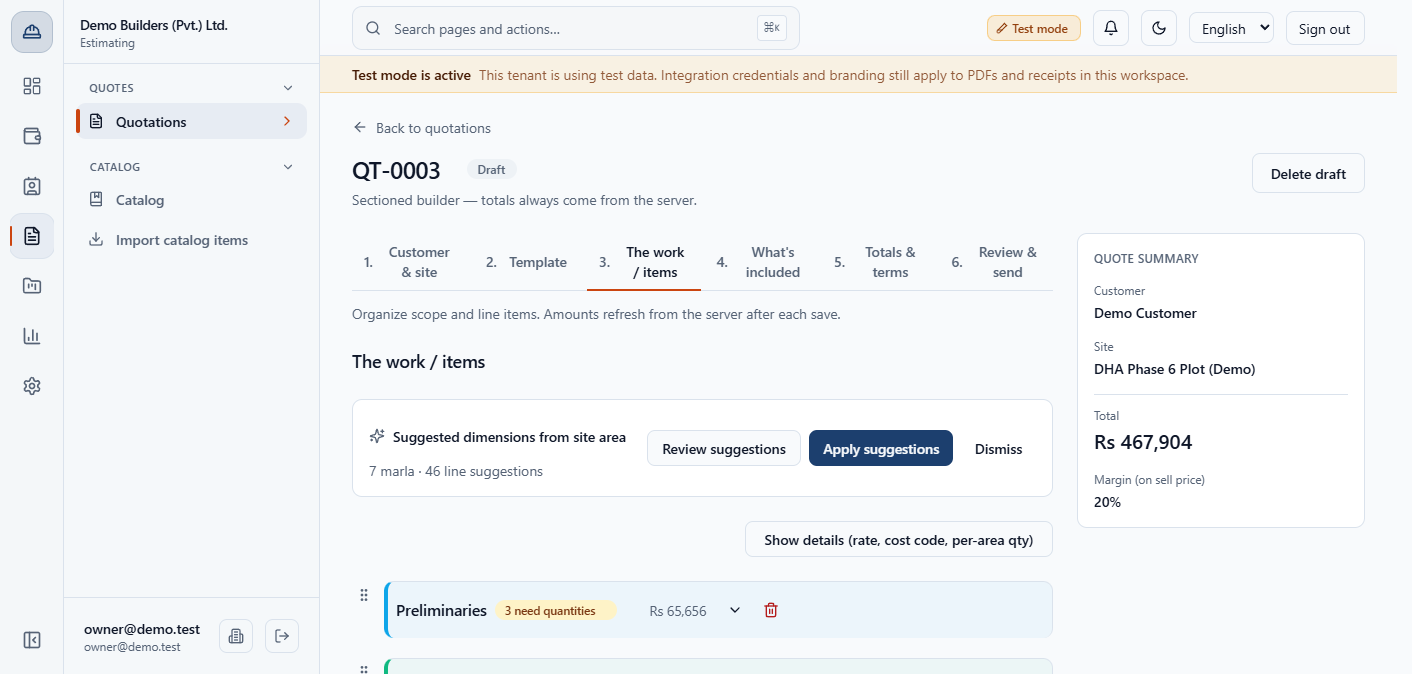
On a draft quotation the step "The work / items" shows Suggested dimensions from site area, for example "7 marla · 46 line suggestions". Click Review suggestions to see each suggested area (1,524.6 sq ft for a 7 marla site), then Apply suggestions to fill the lines. You can still edit them before you send the quotation.
| Mistake | What you see | Fix |
|---|---|---|
| Looking for an Apply button before a contract exists | Only Review and Set payment schedule | Attach the contract on the Payment tab first |
| Saving an empty SoV | A confirmation about wiping the contract value | Cancel and add the lines |
| Changing the site's plot area after applying | A banner says the site size or template changed | Review the recommendation again; saved lines and money are untouched |
| Trying to edit a converted project's SoV | Read-only text, no buttons | Raise a change order |
| Item | Meaning / rule |
|---|---|
| Recommendation | Priced today from site area, template, rate list and plot package |
| Margin | Profit as a share of the sell price |
| Save SoV/BOQ | Sets the contract value, scales milestones, sets stage cost budgets |
| Contract value | The plain sum of the schedule of values |
| Quote-converted SoV | Read-only |
Does opening the recommendation change my contract? No. Reviewing never saves. Only Save SoV/BOQ or the confirmed Apply & replace SoV/BOQ change money.
What happens to the payment milestones when I save a new total? Each milestone keeps its share and is rescaled to the new contract value. In the example the deposit goes from 300,000 to 316,180.
Why can I not edit the schedule of values of a converted project? It comes from the approved quotation and is frozen. Use a change order to change the contract.
BuildFlow runs this whole workflow. See what BuildFlow does and what it costs, or browse all step-by-step guides.