Spot a serial-tracked product at the till
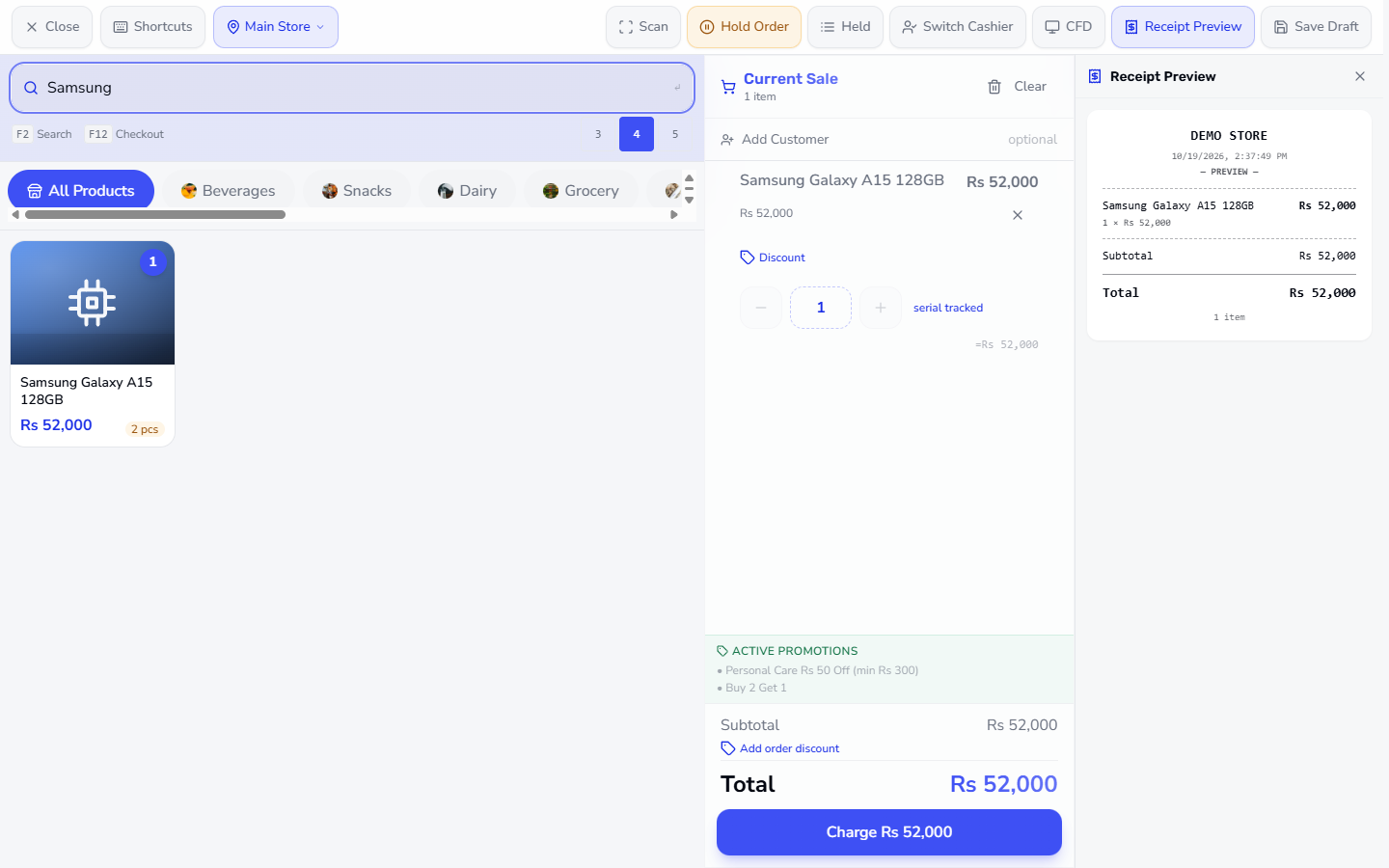
Search Samsung on the POS Terminal and tap the card Samsung Galaxy A15 128GB (Rs 52,000, 2 pcs). The cart line shows the tag serial tracked, and Total is Rs 52,000.
Some stock must be followed unit by unit (a phone with its IMEI) or lot by lot (yogurt with its expiry date). This guide shows how the till handles both: choosing the serial, selling from the batch that expires first, voiding a sale, and what the books record.
Search Samsung on the POS Terminal and tap the card Samsung Galaxy A15 128GB (Rs 52,000, 2 pcs). The cart line shows the tag serial tracked, and Total is Rs 52,000.
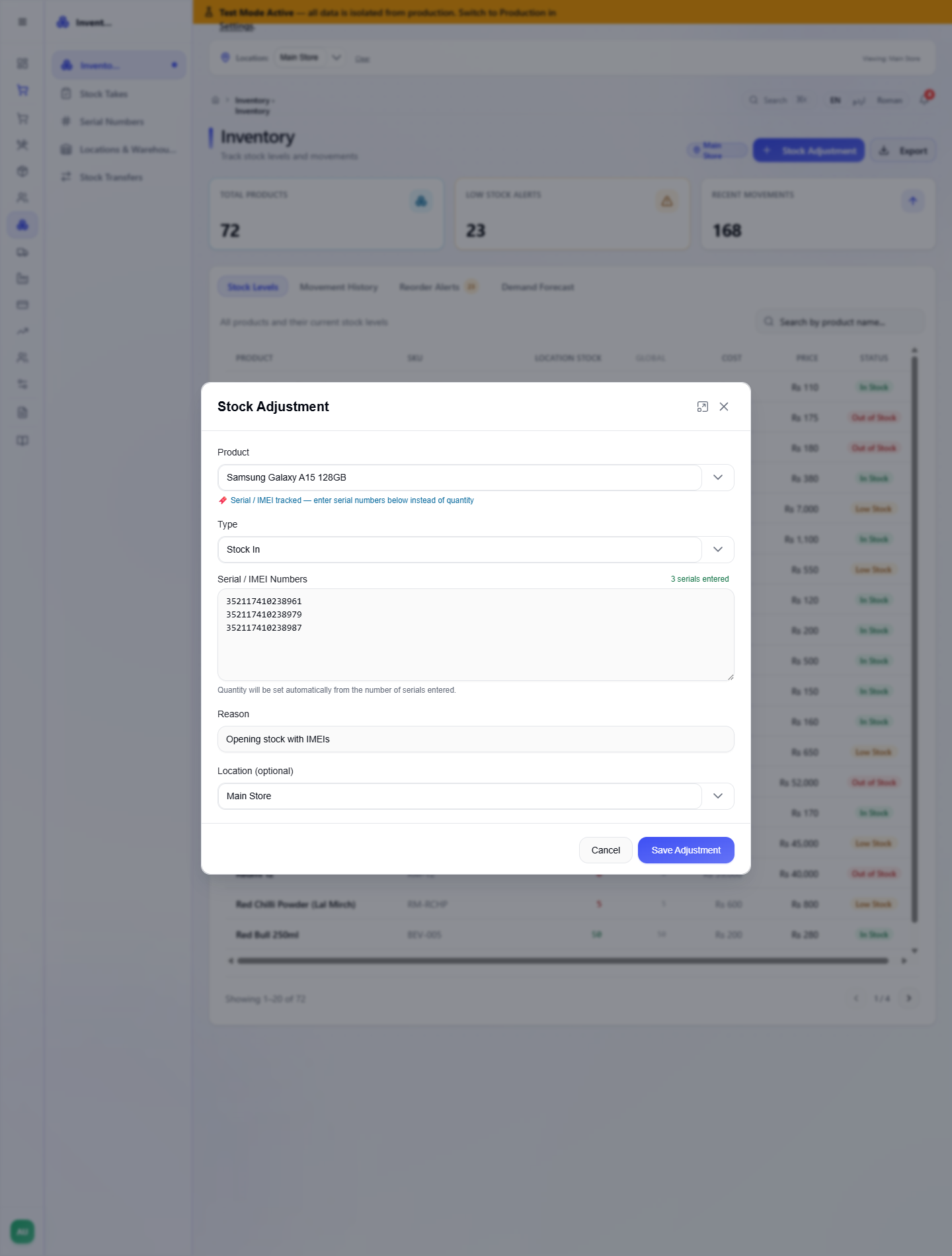
Open Inventory and press Stock Adjustment. Choose the phone: the dialog says Serial / IMEI tracked — enter serial numbers below instead of quantity. Keep Type on Stock In, type one IMEI per line (for example 352117410238961, 352117410238979, 352117410238987), and press Save Adjustment. The app says Stock adjustment saved.
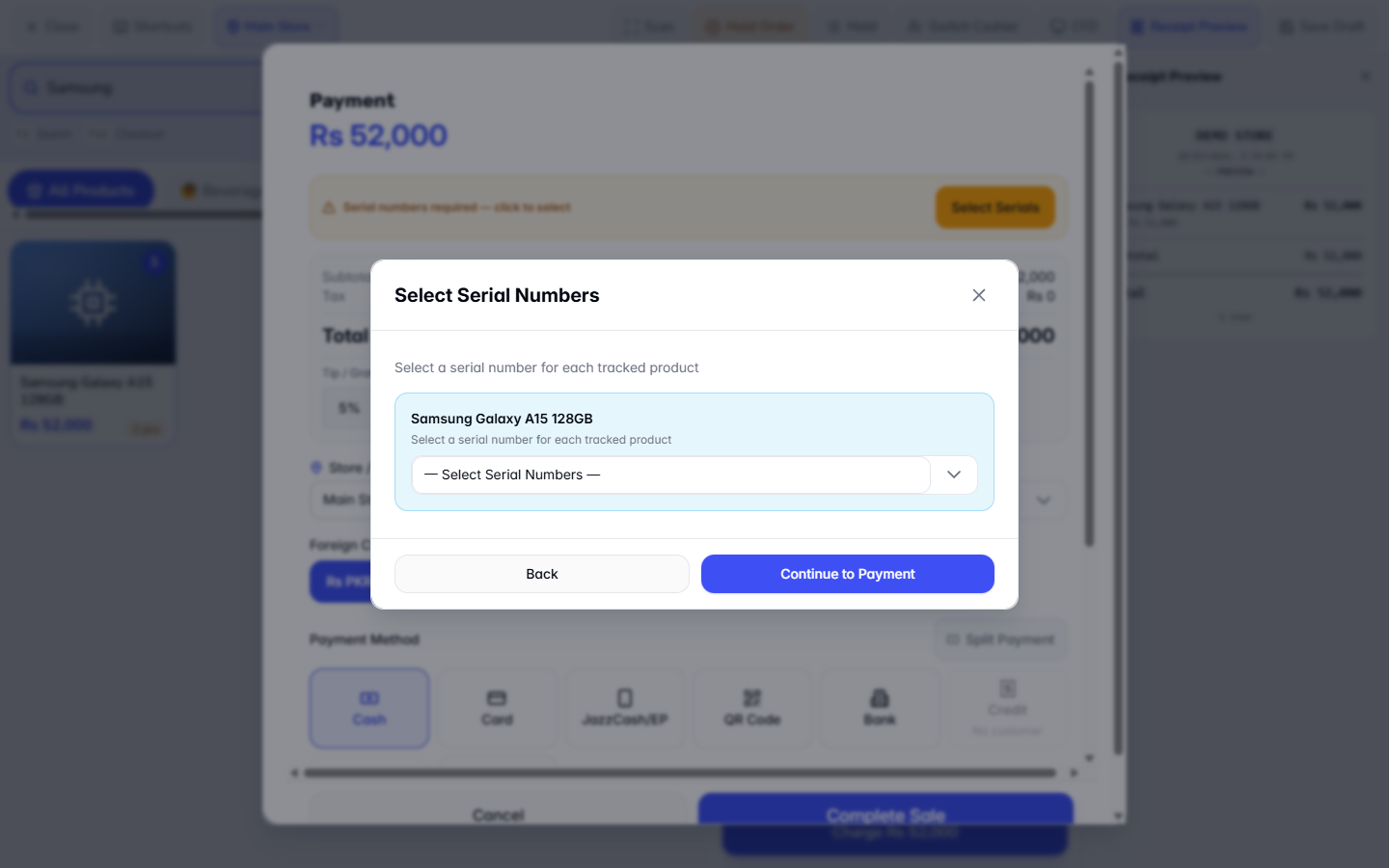
Press Charge. The Payment dialog shows Serial numbers required — click to select and a Select Serials button. Pressing Complete Sale first gives the message Select serial number for: Samsung Galaxy A15 128GB and opens Select Serial Numbers.
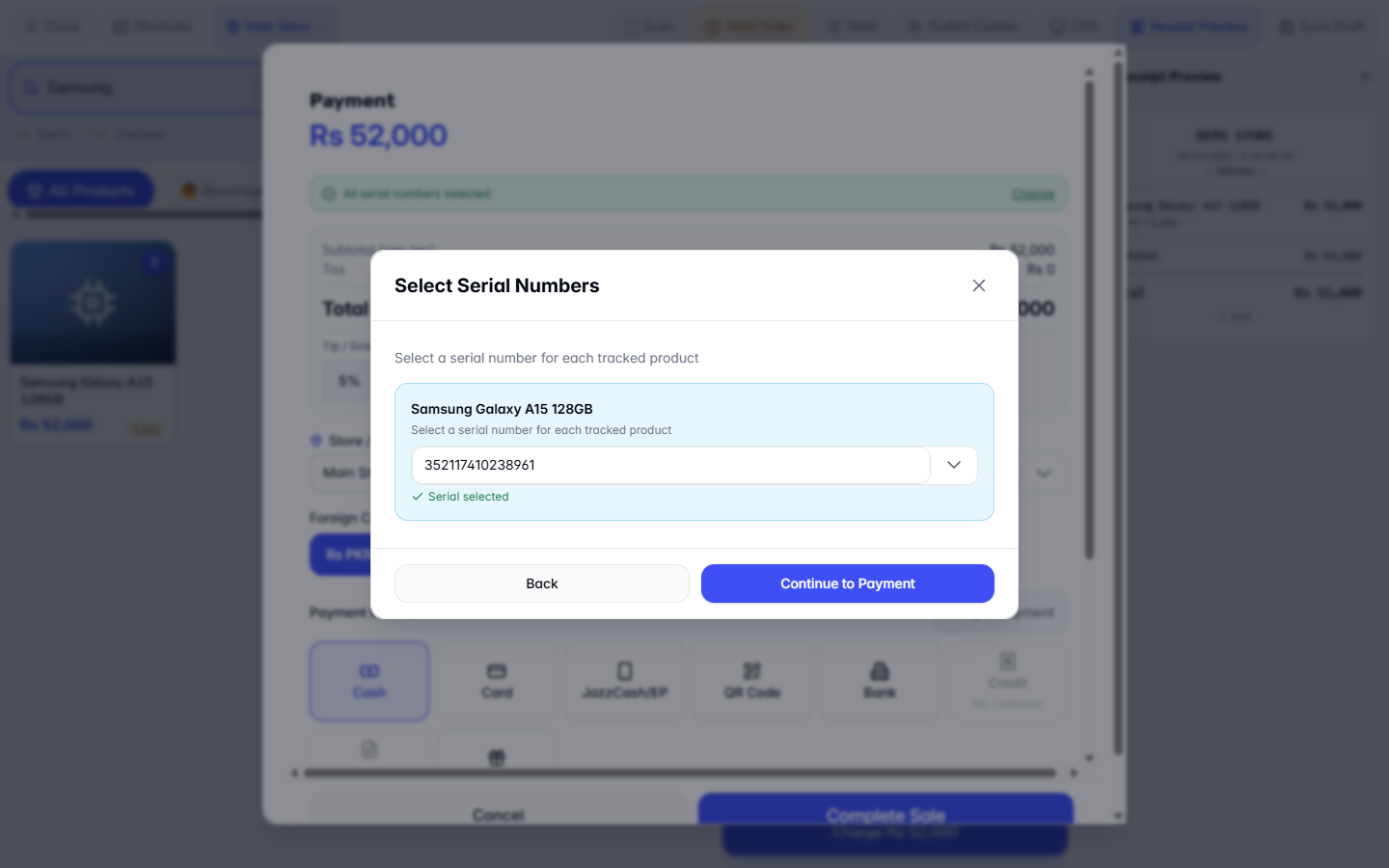
Open the list — Select Serial Numbers —. It offers only the units in stock, here 352117410238961 and 352117410238987. Choose the IMEI of the phone you hand over, here 352117410238961; the dialog says Serial selected. Press Back: the banner turns green with All serial numbers selected and a Change link.
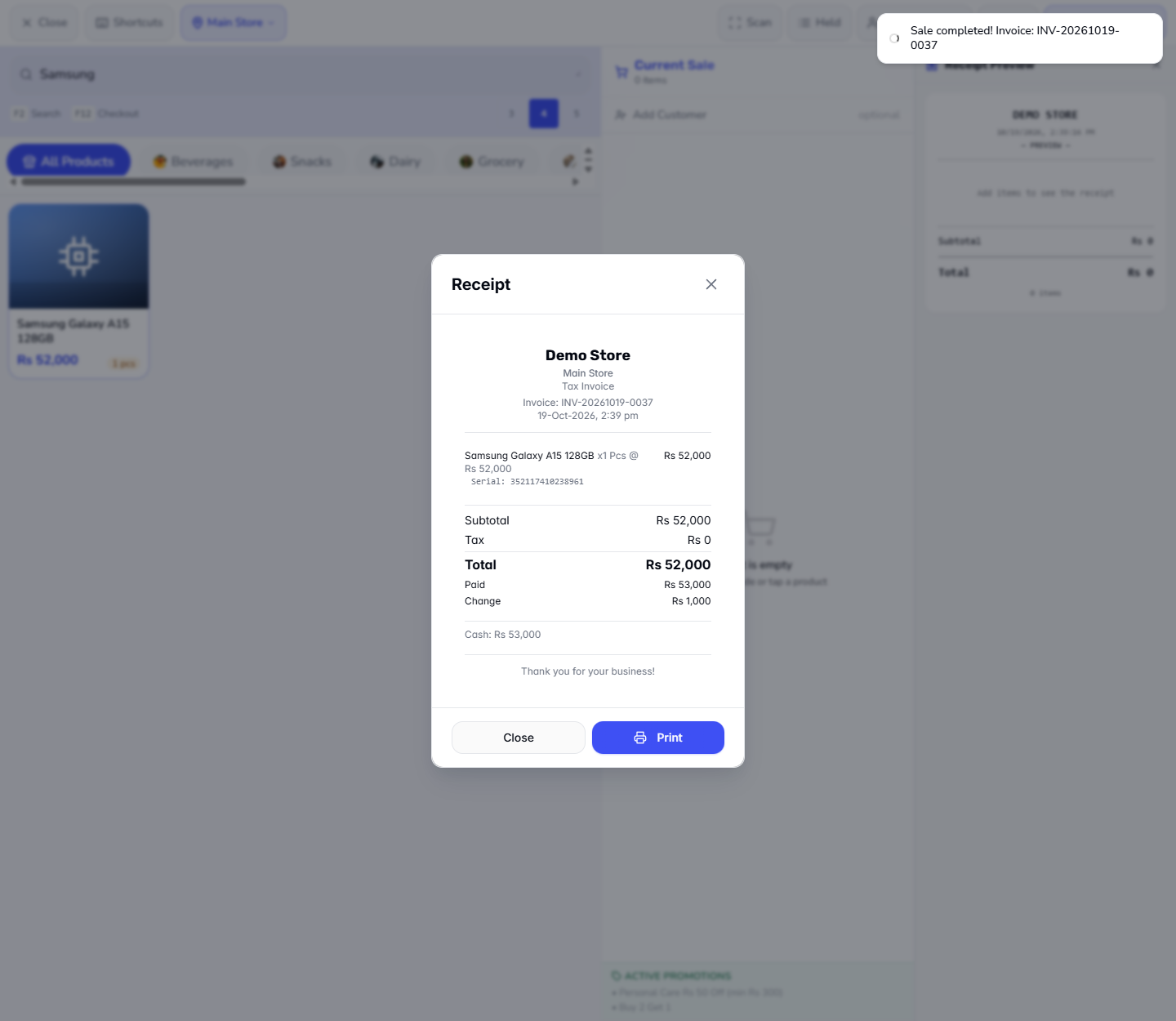
Choose Cash, type 53000 in Amount Tendered and read Change Rs 1,000. Press Complete Sale. The receipt for INV-20261019-0037 prints Serial: 352117410238961, Total Rs 52,000, Paid Rs 53,000 and Change Rs 1,000.
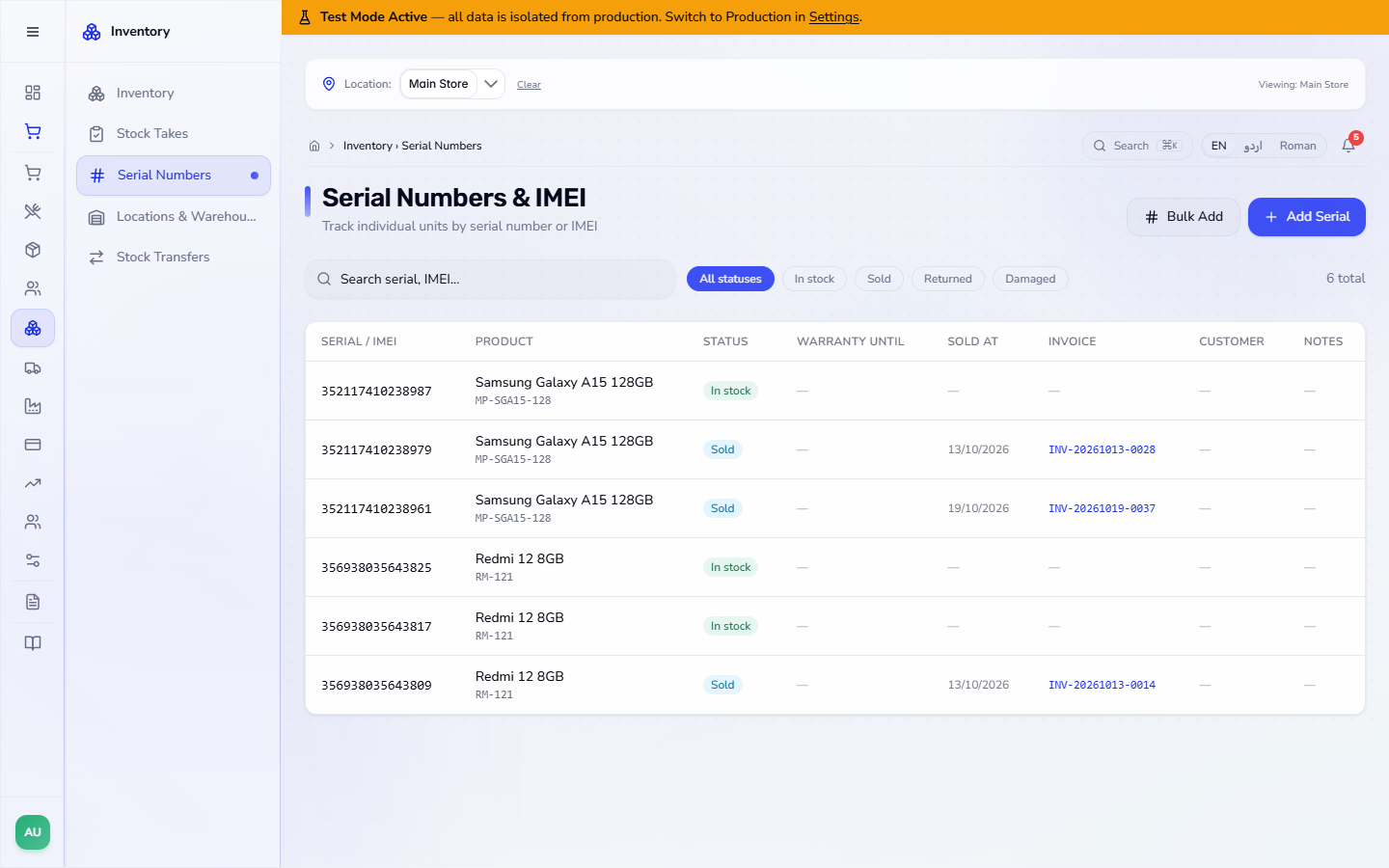
Open Inventory › Serial Numbers. The IMEI 352117410238961 now reads Sold with the date 19/10/2026 and the invoice INV-20261019-0037. 352117410238979 was sold earlier (INV-20261013-0028) and 352117410238987 is still In stock, so the product's stock went from 2 to 1.
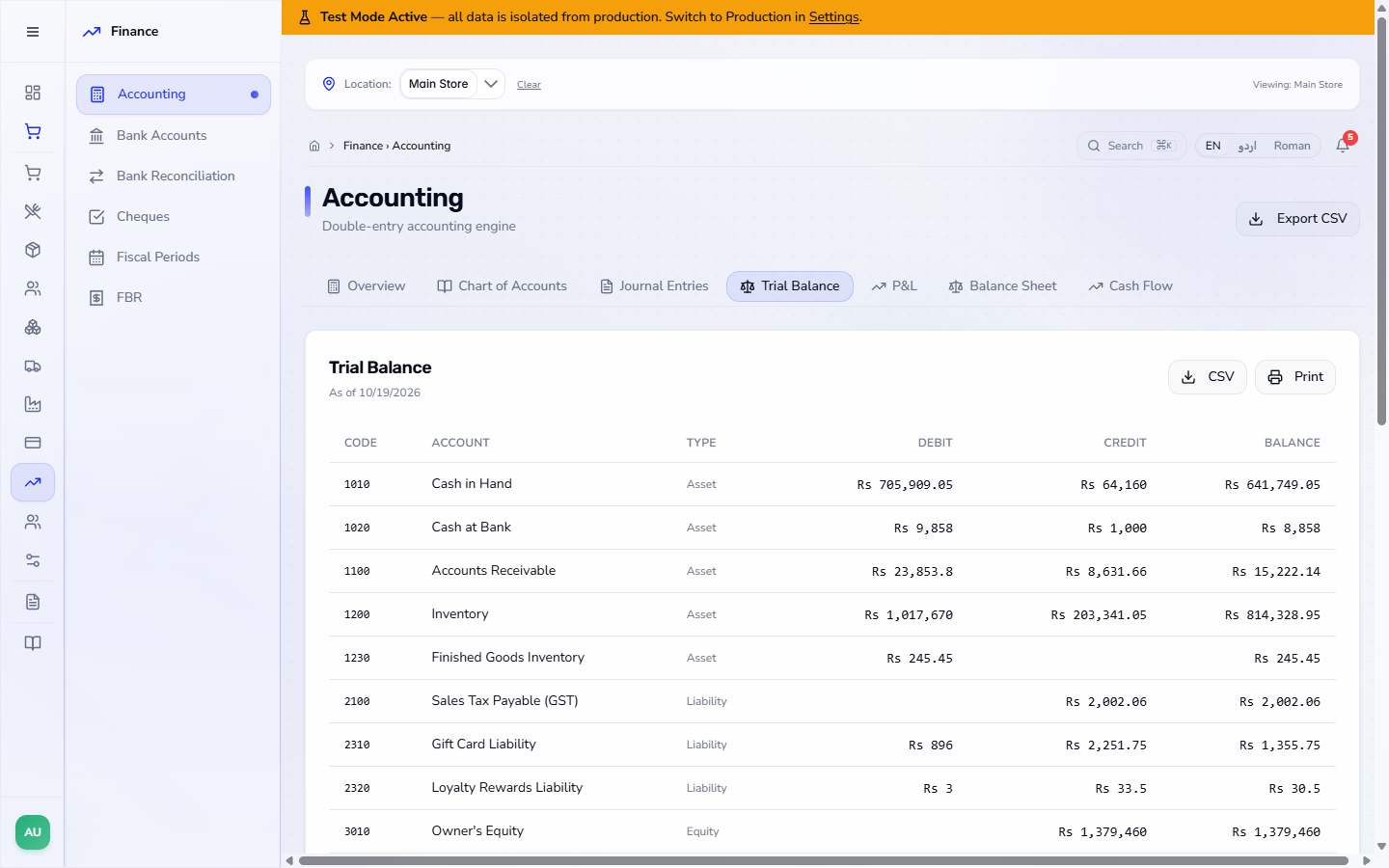
Open Finance › Accounting › Journal Entries and find JE-202610-0101 for INV-20261019-0037, 4 lines. It debits Cash in Hand 52,000, credits Sales Revenue 52,000, and moves the phone's cost of 44,000 from Inventory to Cost of Goods Sold. Debits and credits are 96,000 each.
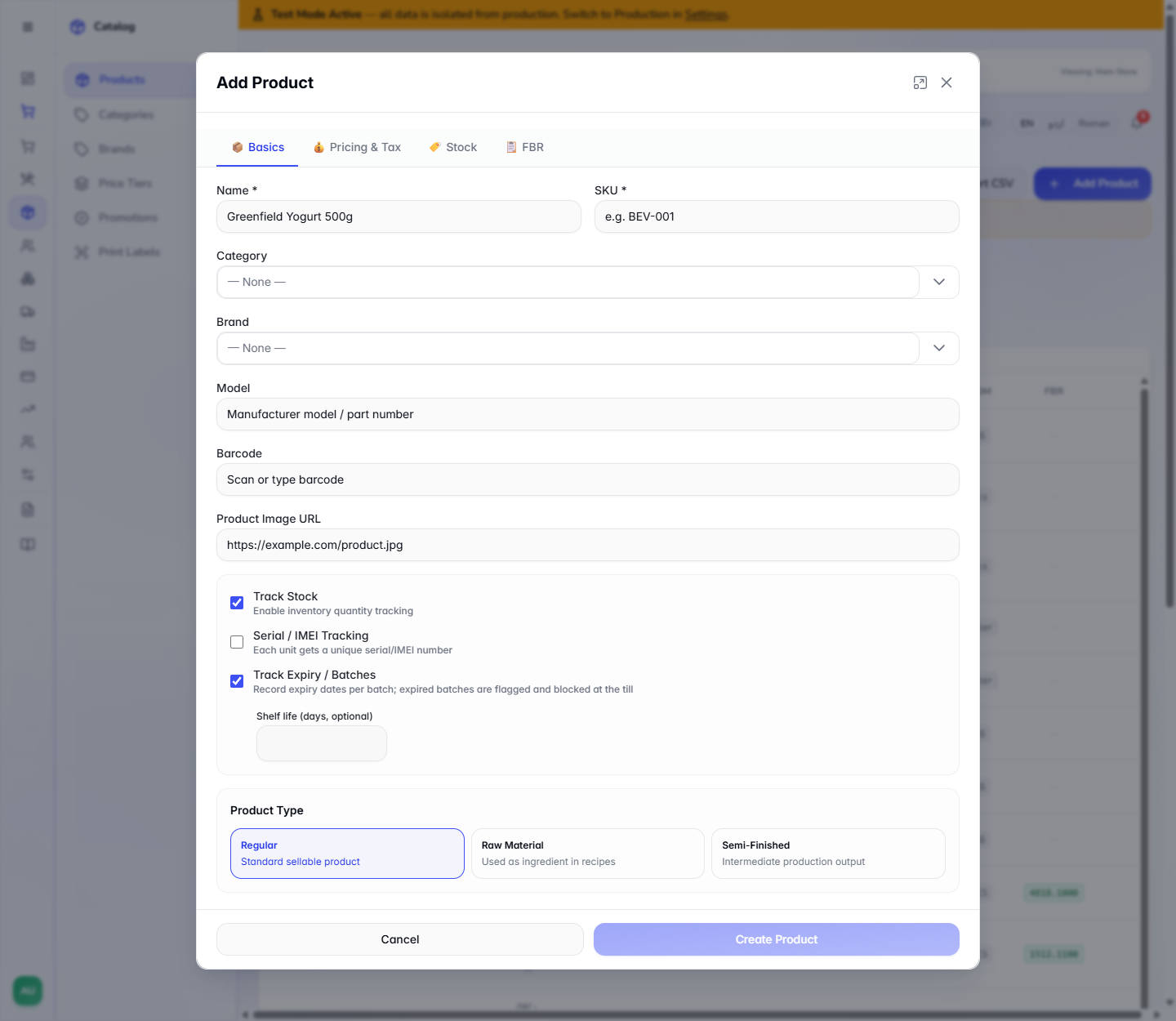
In Catalog › Products, press Add Product. For Greenfield Yogurt 500g (SKU DRY-YGT-500, category Dairy) tick Track Expiry / Batches: it records an expiry date per batch, and expired batches are flagged and blocked at the till. An optional Shelf life (days, optional) field appears below it. Press Create Product. The app says Product created.
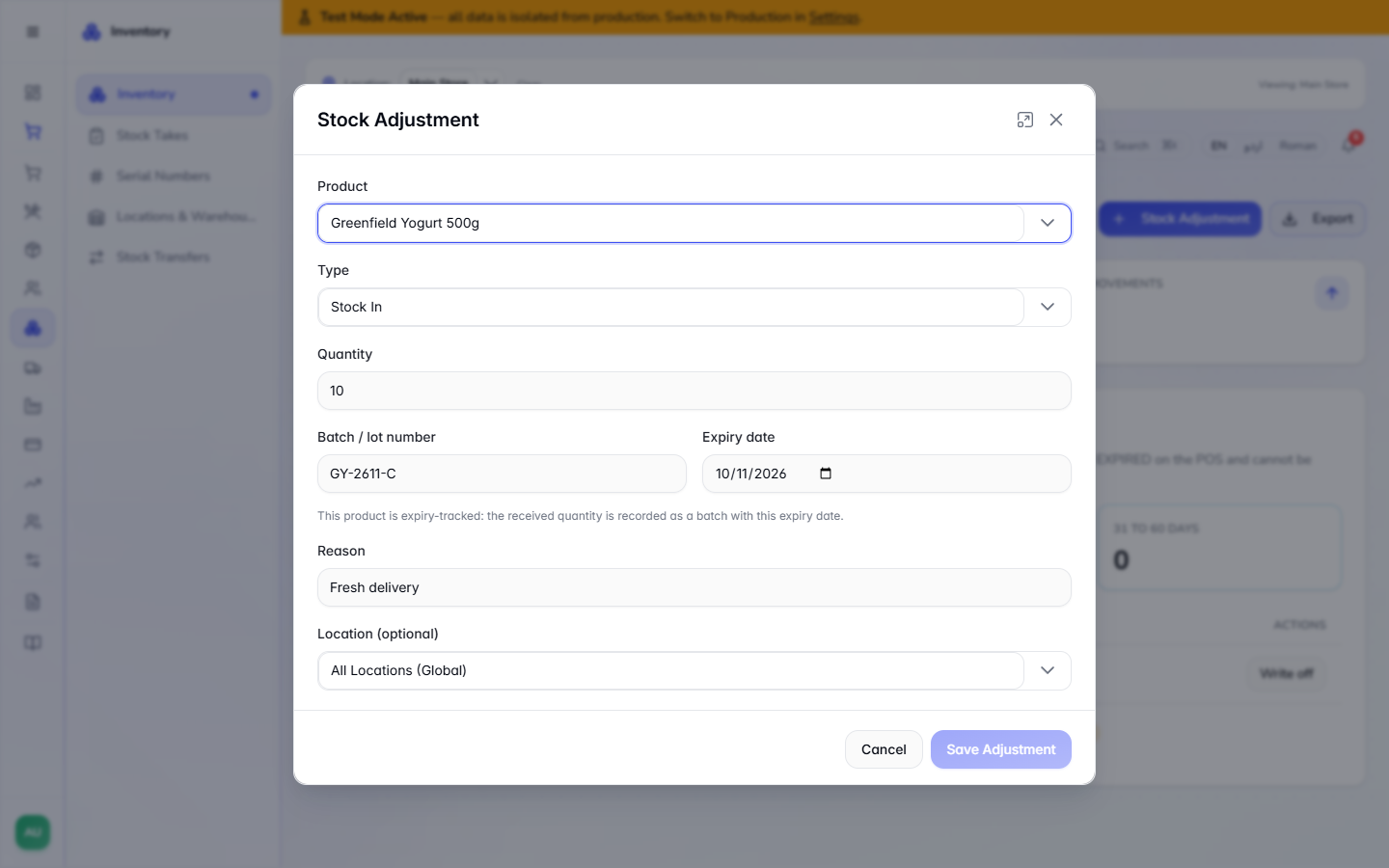
In Inventory › Stock Adjustment, choose the yogurt and Stock In. Besides Quantity the dialog asks for Batch / lot number (here GY-2611-B) and Expiry date, with the note that the received quantity is recorded as a batch with this expiry date. Add a Reason, such as Fresh delivery, and press Save Adjustment.
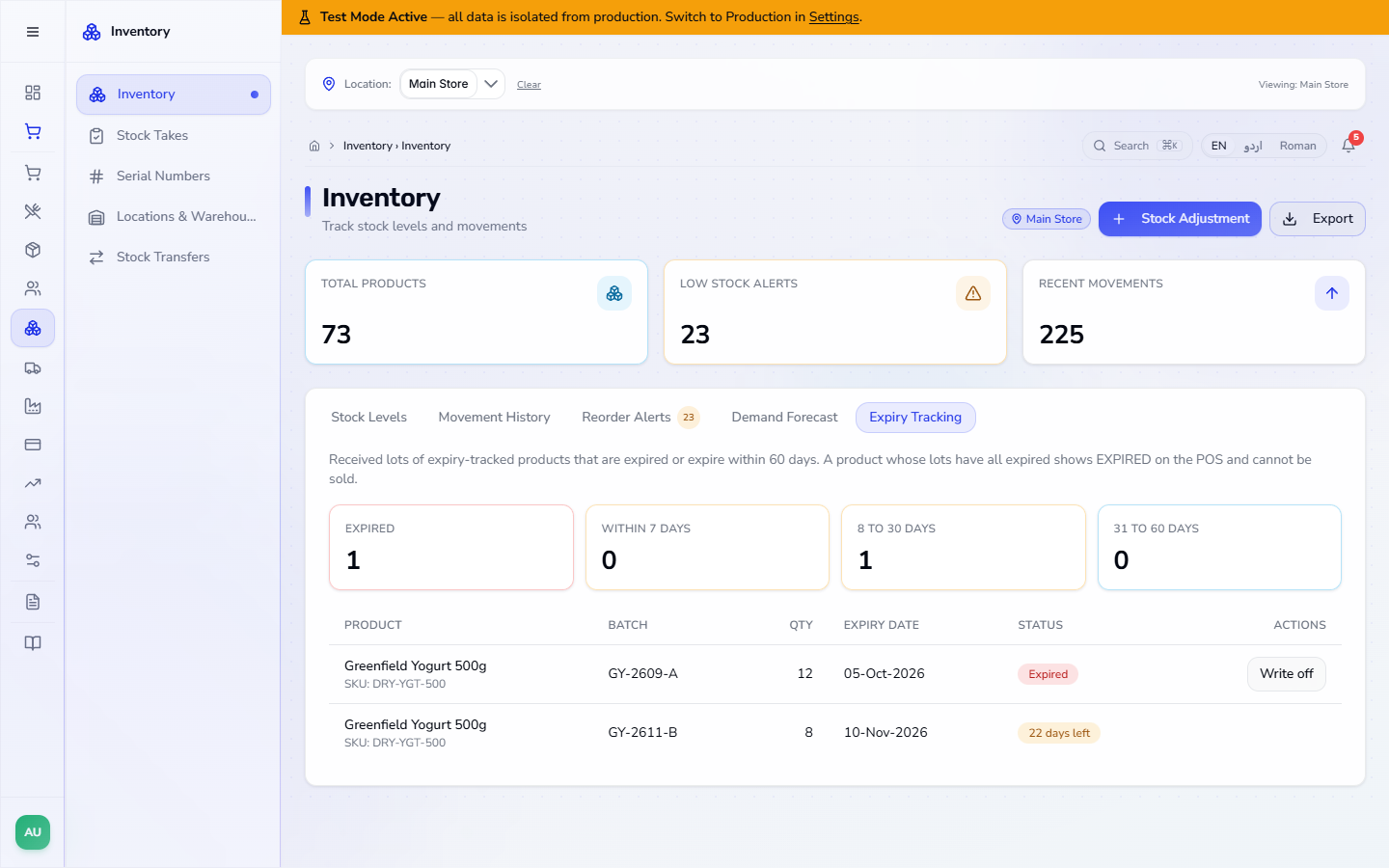
Open Inventory and the Expiry Tracking tab. The counters read EXPIRED 1, WITHIN 7 DAYS 0, 8 TO 30 DAYS 1 and 31 TO 60 DAYS 0. The table lists GY-2609-A (12 units, 05-Oct-2026, Expired, with Write off) and GY-2611-B (10 units before the sale in step 11, 10-Nov-2026, 22 days left; the screenshot was taken after that sale and shows 8).
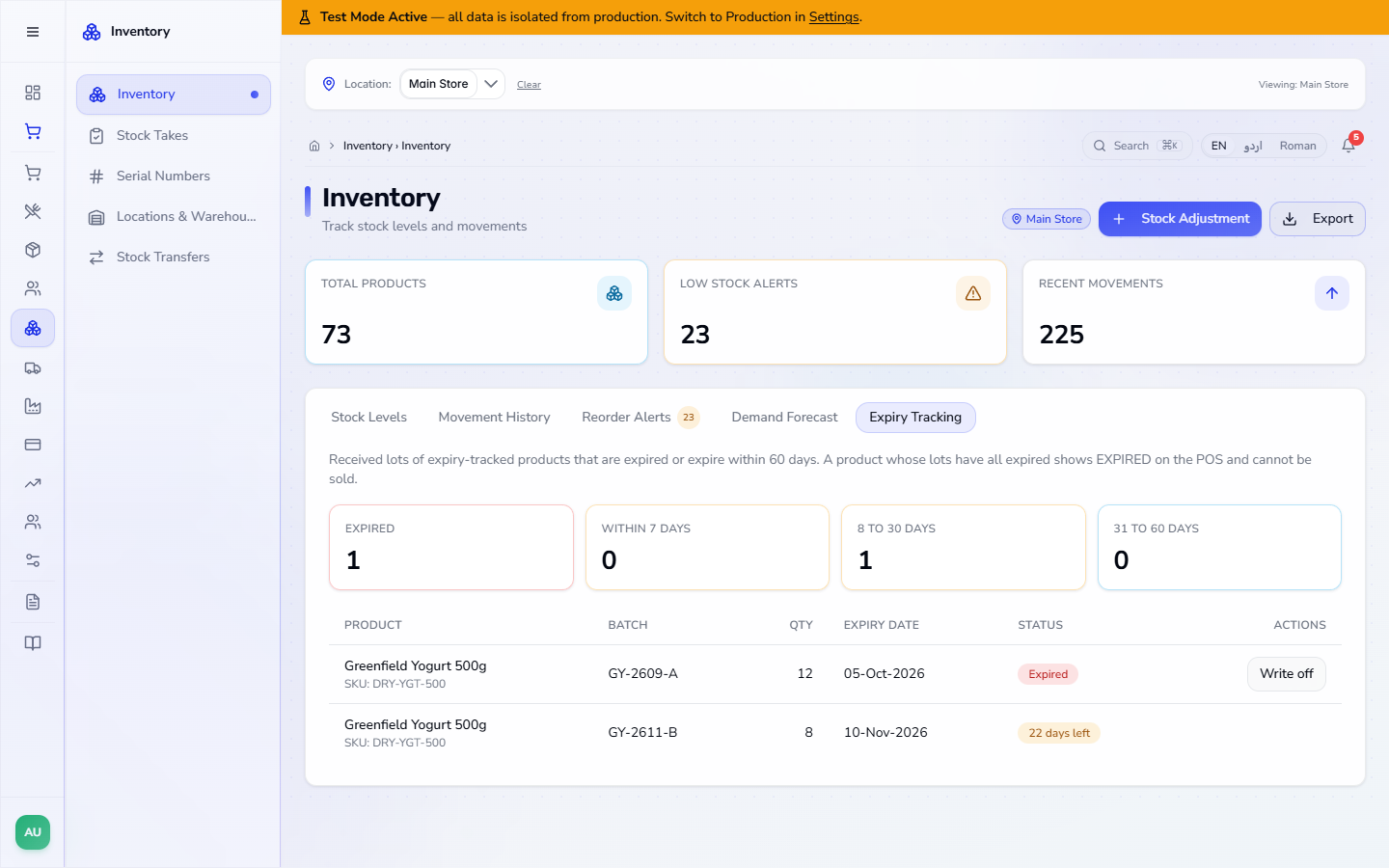
Sell 2 yogurts for Rs 360 (2 × Rs 180), paid with Rs 400 cash and Change Rs 40. The receipt is INV-20261019-0038. The sale takes its two units from the fresh batch, never from the expired one: GY-2611-B goes from 10 to 8 and GY-2609-A stays at 12.
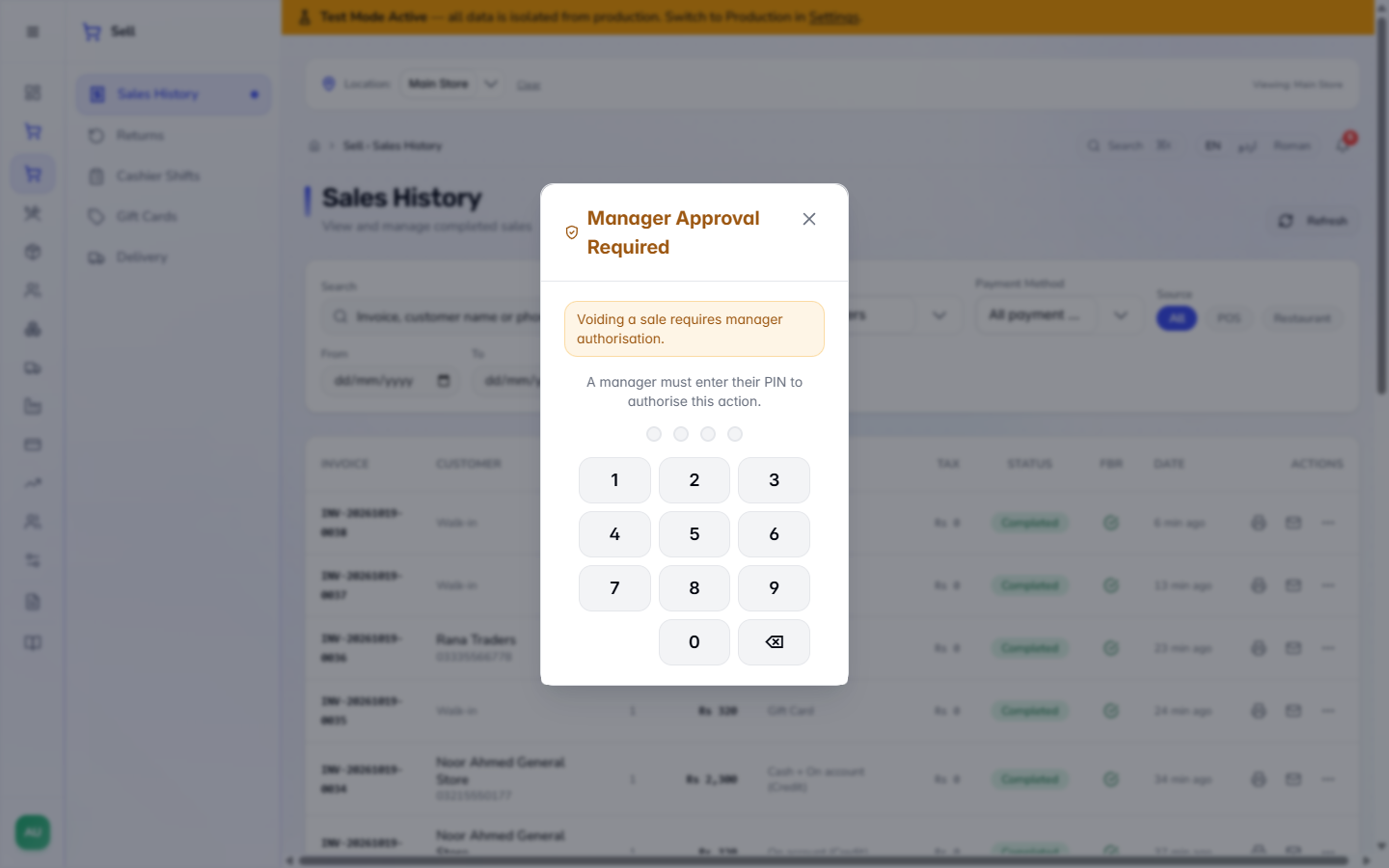
In Sell › Sales History, press the ⋯ menu on the yogurt sale and choose Void Sale. The till asks for Manager Approval Required: Voiding a sale requires manager authorisation, and a manager enters their PIN on the keypad. After approval, confirm Void sale ... ? This will restore stock and cannot be undone. The row reads Voided, the two units go back into the same batch, and in the books the first entry is marked VOIDED while a new entry reverses its lines.
| Mistake | What you see | Fix |
|---|---|---|
| Completing a phone sale without a serial | Select serial number for: Samsung Galaxy A15 128GB | Choose the IMEI in Select Serial Numbers |
| Adding an IMEI twice | Serial number '352117410238961' already exists | Check the IMEI on the box; each unit is registered once |
| Selling more than the fresh stock | has only 8 unexpired unit(s) available | Write off the expired batch or receive fresh stock |
| Item | Meaning / rule |
|---|---|
| Serial / IMEI Tracking | One unique serial per unit; the till asks for it at payment |
| Select Serials / Change | Opens or reopens the choice of unit |
| Track Expiry / Batches | Keeps stock in batches with expiry dates |
| Expiry Tracking | Counts batches expired or expiring in 7, 30 and 60 days |
| Write off | Reduces stock on hand and posts the loss |
| Void Sale | Restores stock to the same batch and reverses the journal |
Can I sell a serial-tracked phone without choosing a serial? No. Complete Sale shows Select serial number for: Samsung Galaxy A15 128GB and opens Select Serial Numbers instead of finishing the sale.
Which units does the serial list offer? The units of that product that are In stock, for example 352117410238961 and 352117410238987 (a unit already sold is not offered).
Which batch does a sale take stock from? From the unexpired batch, never from an expired one: two yogurts were taken from GY-2611-B, which went from 10 to 8, while the expired GY-2609-A stayed at 12.
What happens to the batch when I void the sale? After a manager approves the void, the units go back into the same batch and the journal entry is reversed.
ClearRing runs this whole workflow. See what ClearRing does and what it costs, or browse all step-by-step guides.